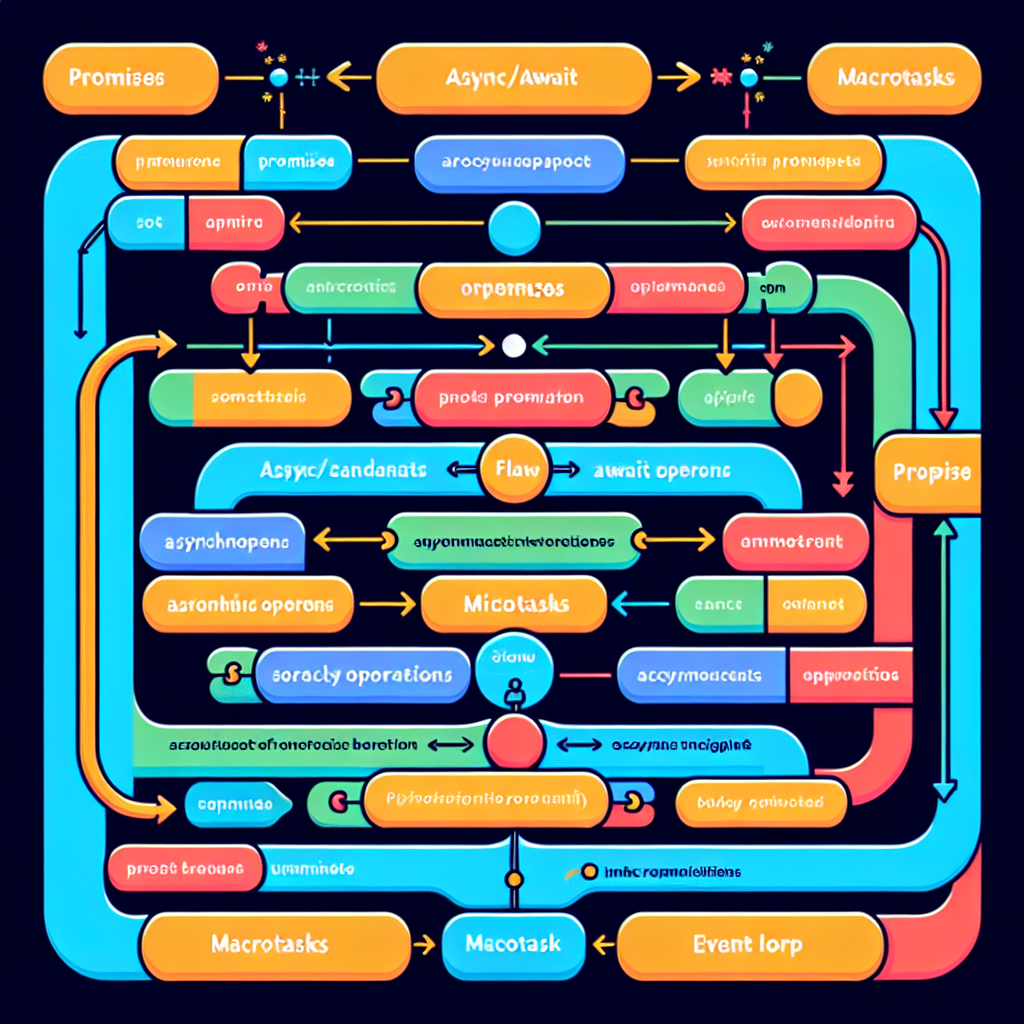

How Async/Await Works under the Hood in JavaScript
Async/await has made asynchronous programming in JavaScript more readable and expressive. But have you ever wondered how it actually works under the hood? In this post, we’ll demystify async/await by breaking it down into the raw Promises it compiles down to, examine how the event loop handles them, and provide practical debugging examples to illuminate the magic.
1. Understanding Asynchronous Programming with Promises
Before diving into async/await, it’s important to understand how Promise-based asynchronous programming works, because that’s ultimately what async/await wraps around.
Consider this simple example:
function getData() {
    return new Promise((resolve, reject) => {
        setTimeout(() => {
            resolve("Data received!");
        }, 1000);
    });
}

getData().then(data => console.log(data));
This function simulates a one-second delay before resolving the promise. You can chain multiple operations using then(), but this can become unwieldy when dealing with complex async flows.
2. Writing Similar Logic Using Async/Await
The same logic using async/await looks cleaner and more sequential:
async function fetchData() {
    const data = await getData();
    console.log(data);
}

fetchData();
Here, await pauses execution inside the async function until the promise resolves, making the code appear synchronous, thereby improving readability and reducing indentation hell.
3. Desugaring Async/Await into Promises
What if we rewrote the await logic using plain Promises? Let’s convert our previous code back:
function fetchData() {
    return getData().then(data => {
        console.log(data);
    });
}

fetchData();
Behind the scenes, an async function returns a Promise, and each await expression is internally translated into a .then() chain. So async/await doesn’t remove asynchronicity—it just hides the complex plumbing of Promises from you.
Tip: You can think of await as syntactic sugar over Promise.then(), allowing better syntax for sequential asynchronous logic.
4. Stepping Through the Event Loop
Now that we know asynchronous behavior is still driven by Promises, let’s explore how the JavaScript event loop processes async/await code:
console.log('1');
setTimeout(() => console.log('2'), 0);
Promise.resolve().then(() => console.log('3'));
(async () => {
    console.log('4');
    await null;
    console.log('5');
})();
console.log('6');
Here’s the output:
1
4
6
3
5
2
Why this order?
- 1, 4, 6: Synchronous code is executed first (call stack).
- 3: Resolved Promises get queued in the microtask queue.
- 5: The await boundary puts the rest of the async function in a microtask.
- 2: setTimeout uses the macrotask queue and is processed after all microtasks.
Debug Tip: Use Chrome DevTools’ “async call stacks” toggle while stepping through to trace promises and async call origins.
5. Real-World Use Case: Sequential API Calls
Here’s a practical scenario: making sequential API requests where the second depends on the first.
async function getUserProfile() {
    const user = await fetch('/api/user').then(res => res.json());
    const profile = await fetch(`/api/profile/${user.id}`).then(res => res.json());
    return profile;
}
Rewriting without async/await illustrates the nested pattern:
function getUserProfile() {
    return fetch('/api/user')
        .then(res => res.json())
        .then(user => {
            return fetch(`/api/profile/${user.id}`);
        })
        .then(res => res.json());
}
Async/await makes this logic dramatically easier to read, especially when dealing with multiple dependent async steps. However, don’t forget that under the surface, the JS engine is still building a Promise chain.
6. Performance Considerations and Best Practices
While async/await improves code clarity, it can cause performance pitfalls if misused. For independent promises, avoid awaiting them sequentially:
// Less efficient
const a = await doAsyncA();
const b = await doAsyncB();
Better:
const [a, b] = await Promise.all([doAsyncA(), doAsyncB()]);Also, avoid wrapping code unnecessarily in async functions unless you need asynchronous behavior to keep code lean and stack traces clear.
Debug Tip: If you encounter an unhandled rejection, wrapping the async function with a try/catch or using .catch() will help root that out.
Conclusion
Async/await doesn’t introduce new behavior—it simplifies the use of Promises into a procedural-looking syntax. Understanding what happens underneath is essential for debugging tricky concurrency bugs, optimizing performance, and writing more readable code. The next time you use await, remember: somewhere below, it’s a Promise, managed cleverly by JavaScript’s event loop.
Useful links: