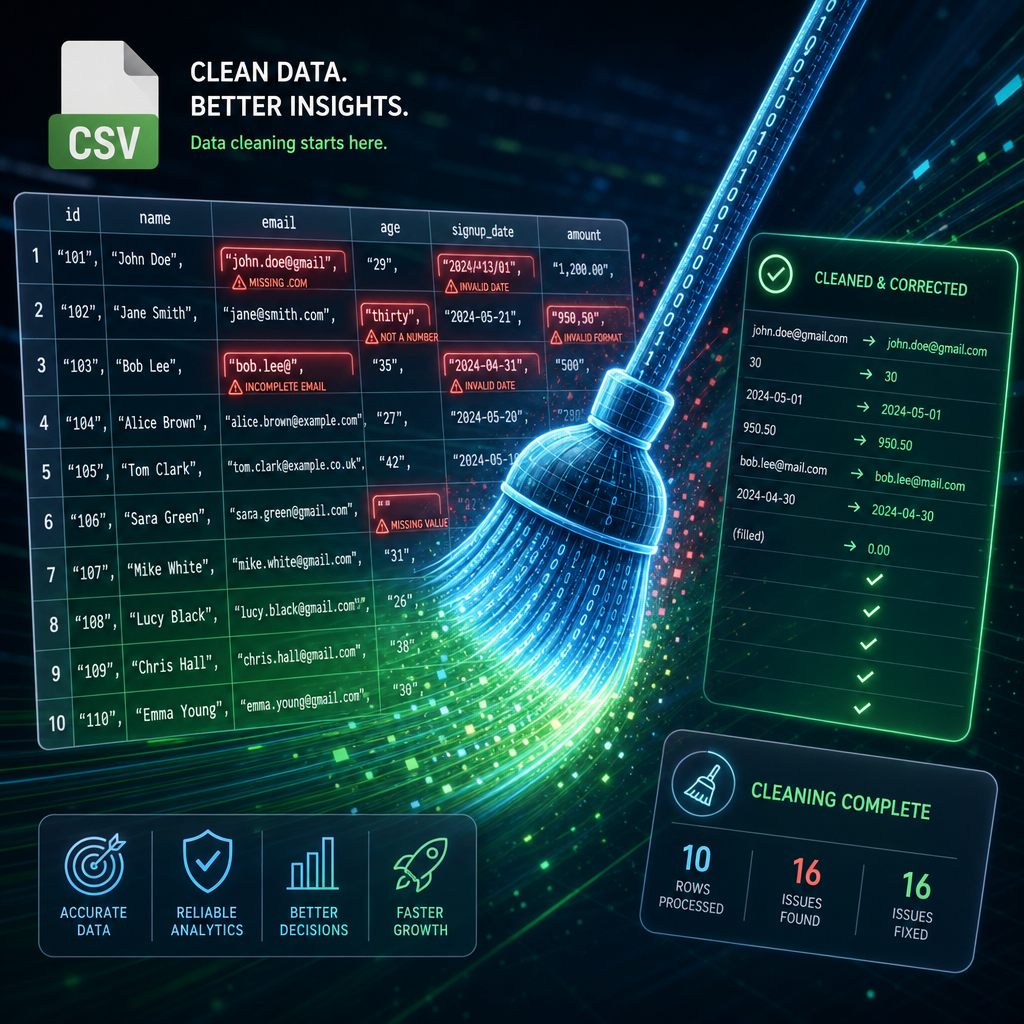

Data Cleaning in Python: Automating CSV Data Quality Checks
In the world of data science and analytics, ensuring the quality of your datasets is paramount. Bad data can lead to inaccurate analysis and poor decision-making. Fortunately, with Python, we can automate data quality checks on CSV files, focusing on missing values, duplicate entries, and inconsistent text formats.
1. Setting Up Your Environment
Before we dive into data cleaning, let’s set up our Python environment. Make sure you have Python installed along with the pandas library, which is excellent for handling CSV files:
pip install pandaspandas is a powerful data manipulation library that makes working with structured data a breeze. We’ll use pandas to load CSV files and inspect the data.
2. Loading and Inspecting the CSV Data
First, let’s load a CSV file into a DataFrame, which is a core data structure in pandas:
import pandas as pd

# Load the CSV file
file_path = 'data.csv'
data = pd.read_csv(file_path)

# Display the first few rows
print(data.head())
This script reads ‘data.csv’ into a DataFrame named ‘data’ and prints the first few rows. Inspecting the data manually is always a good first step.
3. Identifying and Handling Missing Values
Missing values can distort your analysis. In pandas, identifying missing values is simple:
# Check for missing values
does_have_missing_values = data.isnull().sum()

# Print columns with missing values
print(does_have_missing_values[does_have_missing_values > 0])
This will output the number of missing values in each column. Depending on your needs, you might want to fill missing values with a default value or drop rows/columns entirely:
# Filling missing values with a default (e.g., 0)
data.fillna(0, inplace=True)

# Dropping rows with any missing values
data.dropna(inplace=True)
Decide the best approach based on the context of your data.
4. Detecting and Removing Duplicate Entries
Duplicate data can skew analysis and create a misleading narrative. Detect and manage duplicates with:
# Find duplicate rows
duplicates = data.duplicated()

# Print duplicate rows
print(data[duplicates])

# Remove duplicate rows
data.drop_duplicates(inplace=True)
This code flags duplicates and removes them, ensuring each data point is unique.
5. Ensuring Consistent Text Formats
Inconsistent formatting in text fields (e.g., ‘USA’ vs ‘Usa’) can lead to problems. Normalize text formats using the tools pandas provide:
# Standardize a column (e.g., 'country' to uppercase)
data['country'] = data['country'].str.upper()

# Remove leading/trailing whitespace
data['column_name'] = data['column_name'].str.strip()
This uniformity helps in ensuring consistent analytics conclusions.
Conclusion
With these steps, you can automate the detection and correction of common data quality issues in CSV files using Python. By ensuring your data is clean, you pave the way for more confident data analysis and insights.
Useful links: