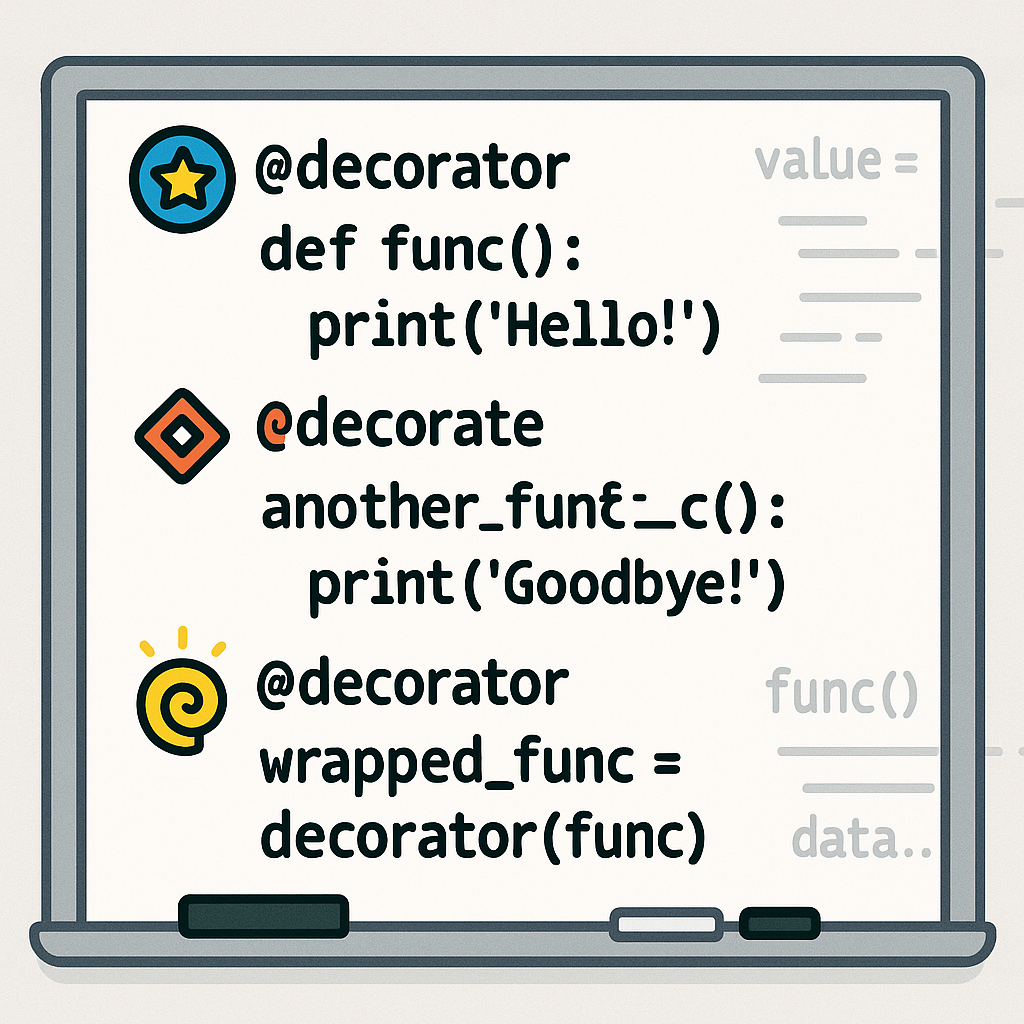

Mastering Python Decorators: Powerful Patterns for Cleaner Code
Introduction
Python decorators are a cornerstone feature that allow you to modify the behavior of functions or classes without directly altering their source code. By wrapping functions with additional logic, decorators empower developers to write reusable, clean, and DRY (Don’t Repeat Yourself) code. In this article, we’ll demystify how decorators work, explore real-world use cases, and equip you with actionable patterns and optimization techniques.
Section 1: Understanding Decorator Basics
Before jumping into advanced use cases, it’s vital to understand what a decorator is. At the core, a decorator is a callable (often a function) that takes another function as an argument and returns a new function that typically extends or modifies the behavior of the original.
def my_decorator(func):
    def wrapper(*args, **kwargs):
        print('Before call')
        result = func(*args, **kwargs)
        print('After call')
        return result
    return wrapper

@my_decorator
def say_hello(name):
    print(f"Hello, {name}!")

say_hello('Alice')
In this example, @my_decorator wraps say_hello, adding behavior before and after the actual function call.
Section 2: Passing Arguments to Decorators
Often, decorators need to be more flexible by accepting their own arguments (e.g., for logging levels, caching options, etc.). To do this, we use decorator factories—functions that return decorators.
def repeat(num_times):
    def decorator_repeat(func):
        def wrapper(*args, **kwargs):
            for _ in range(num_times):
                func(*args, **kwargs)
        return wrapper
    return decorator_repeat

@repeat(num_times=3)
def greet(name):
    print(f"Hello, {name}!")

greet('Bob')
This pattern allows the decorator to be configured, greatly improving its reusability in automation and dynamic tooling.
Section 3: Real-World Use Case – Timing Function Execution
Measuring performance is a common use case. Decorators can be used to benchmark how long a function takes to execute—an invaluable technique in performance optimization.
import time

def timer(func):
    def wrapper(*args, **kwargs):
        start = time.time()
        result = func(*args, **kwargs)
        end = time.time()
        print(f"{func.__name__} took {end - start:.4f} seconds")
        return result
    return wrapper

@timer
def slow_addition(a, b):
    time.sleep(0.5)
    return a + b

slow_addition(5, 10)
This non-intrusive decorator provides precise insights while keeping core business logic untouched.
Section 4: Chaining Multiple Decorators
One of Python’s strengths is composability: you can stack multiple decorators on a single function. This is excellent for combining features like authorization, logging, and caching without creating monolithic utilities.
def uppercase(func):
    def wrapper(*args, **kwargs):
        result = func(*args, **kwargs)
        return result.upper()
    return wrapper

def exclaim(func):
    def wrapper(*args, **kwargs):
        result = func(*args, **kwargs)
        return result + '!'
    return wrapper

@exclaim
@uppercase
def greet():
    return 'hello world'

print(greet())  # Output: HELLO WORLD!
The stacking order matters: decorators closest to the function body are applied first.
Section 5: Preserving Metadata with functools.wraps
Using decorators can inadvertently hide critical function metadata (like __name__ and __doc__), which affects debugging, introspection, and documentation. This is easily addressed with functools.wraps.
import functools

def logged(func):
    @functools.wraps(func)
    def wrapper(*args, **kwargs):
        print(f"Calling {func.__name__}")
        return func(*args, **kwargs)
    return wrapper

@logged
def process():
    """Process some data."""
    pass

print(process.__name__)
print(process.__doc__)
functools.wraps ensures you don’t lose valuable documentation or break tools relying on these properties.
Conclusion
Python decorators make it simple to augment functions with powerful, reusable features—from logging and timing to caching and beyond. By mastering decorator patterns and knowing how to combine and optimize them, you can drastically increase your code’s maintainability and expressive power.
Useful links: