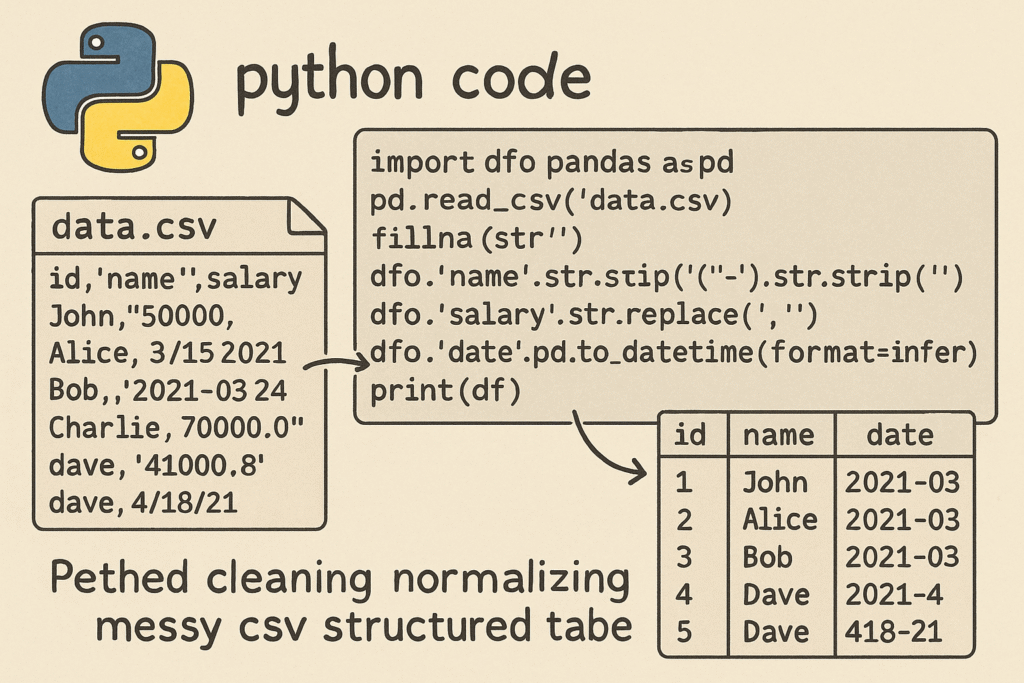

Python Script to Clean and Normalize CSV Data
Introduction
Data cleaning is one of the most time-consuming yet crucial steps in any data-related workflow. Messy CSV files with inconsistent formatting, extra spaces, and missing values can break your analysis or machine learning pipeline. In this post, we’ll build a ready-to-run Python script using pandas that automatically cleans and normalizes CSV data. We’ll handle common issues such as trimming whitespace, correcting date formats, standardizing column names, and filling or removing missing data—all in one automated process.
1. Setting Up the Environment
Start by creating a new Python environment and installing the necessary packages. For most users, pandas is the only library needed for fast and efficient CSV manipulation.
pip install pandasOnce installed, import it in your script:
import pandas as pdWe’ll also import os and glob for batch-cleaning multiple CSV files in a directory.
import os
import glob
2. Loading and Inspecting CSV Data
Messy CSV files can vary widely in formatting. Sometimes they include spaces in headers, inconsistent delimiters, or mixed date formats. Let’s start by loading a file using pandas.read_csv() and getting an overview of the data.
file_path = 'data/raw_data.csv'
df = pd.read_csv(file_path)
print(df.head())
print(df.info())
At this stage, visually inspect your columns for common issues such as leading or trailing spaces in column names and inconsistent capitalization. To standardize column names, use:
df.columns = df.columns.str.strip().str.lower().str.replace(' ', '_')This one-liner removes extra spaces, converts all headers to lowercase, and replaces spaces with underscores for better readability and predictability.
3. Trimming Spaces and Standardizing Text Data
Whitespace in string data can cause subtle breaking points during joins and comparisons. A typical cleaning step is to trim string fields.
for col in df.select_dtypes(include=['object']).columns:
    df[col] = df[col].str.strip()
This snippet automatically trims leading and trailing spaces in all string columns. Optionally, you can also standardize capitalization or encode categorical variables consistently.
df['city'] = df['city'].str.title()These small adjustments can dramatically improve data consistency across multiple CSV files.
4. Fixing Date Formats
Dates often come in various formats such as MM/DD/YYYY, YYYY-MM-DD, or even text strings like ‘Jan 5, 2023’. We can normalize them to a consistent ISO format using pd.to_datetime().
date_columns = ['order_date', 'delivery_date']
for col in date_columns:
    df[col] = pd.to_datetime(df[col], errors='coerce').dt.strftime('%Y-%m-%d')
The errors='coerce' option prevents the script from crashing when invalid dates are encountered—it simply replaces them with NaT (Not a Time), which can later be handled appropriately. This ensures that all your date fields follow a standardized, machine-readable format.
5. Handling Missing Values
Handling missing values correctly depends on your use case. In general, numeric columns can be filled with mean or median values, while string columns can be replaced with placeholders or dropped altogether.
# Fill numeric columns with mean
df.fillna(df.mean(numeric_only=True), inplace=True)

# Fill string columns with a placeholder
df.fillna('Unknown', inplace=True)
If missing data is extensive or critical, another strategy is to remove incomplete rows.
df.dropna(subset=['important_column'], inplace=True)Balancing between deletion and imputation should depend on how central the missing information is to your analysis.
6. Saving and Automating the Cleaning Process
Once the cleaning process is complete, save your normalized CSV file using:
cleaned_path = 'data/cleaned_data.csv'
df.to_csv(cleaned_path, index=False)
To automate this for multiple files in a directory, use:
input_dir = 'data/raw/'
output_dir = 'data/cleaned/'
os.makedirs(output_dir, exist_ok=True)

for file in glob.glob(os.path.join(input_dir, '*.csv')):
    df = pd.read_csv(file)
    df.columns = df.columns.str.strip().str.lower().str.replace(' ', '_')
    for col in df.select_dtypes(include=['object']).columns:
        df[col] = df[col].str.strip()
    df.fillna(df.mean(numeric_only=True), inplace=True)
    output_file = os.path.join(output_dir, os.path.basename(file))
    df.to_csv(output_file, index=False)
    print(f"Processed {file} → {output_file}")
This creates a batch processing script capable of handling hundreds of CSV files consistently in one go. Execution time can be improved by reading and writing using chunksize or leveraging dask for parallelized operations on large datasets.
Conclusion
Data cleaning is an essential and often repetitive process. By automating it with Python and pandas, you can ensure consistent data quality across multiple datasets while saving significant time. The full script presented above can be easily extended with logging, validation checks, and integration into ETL pipelines.
Useful links: