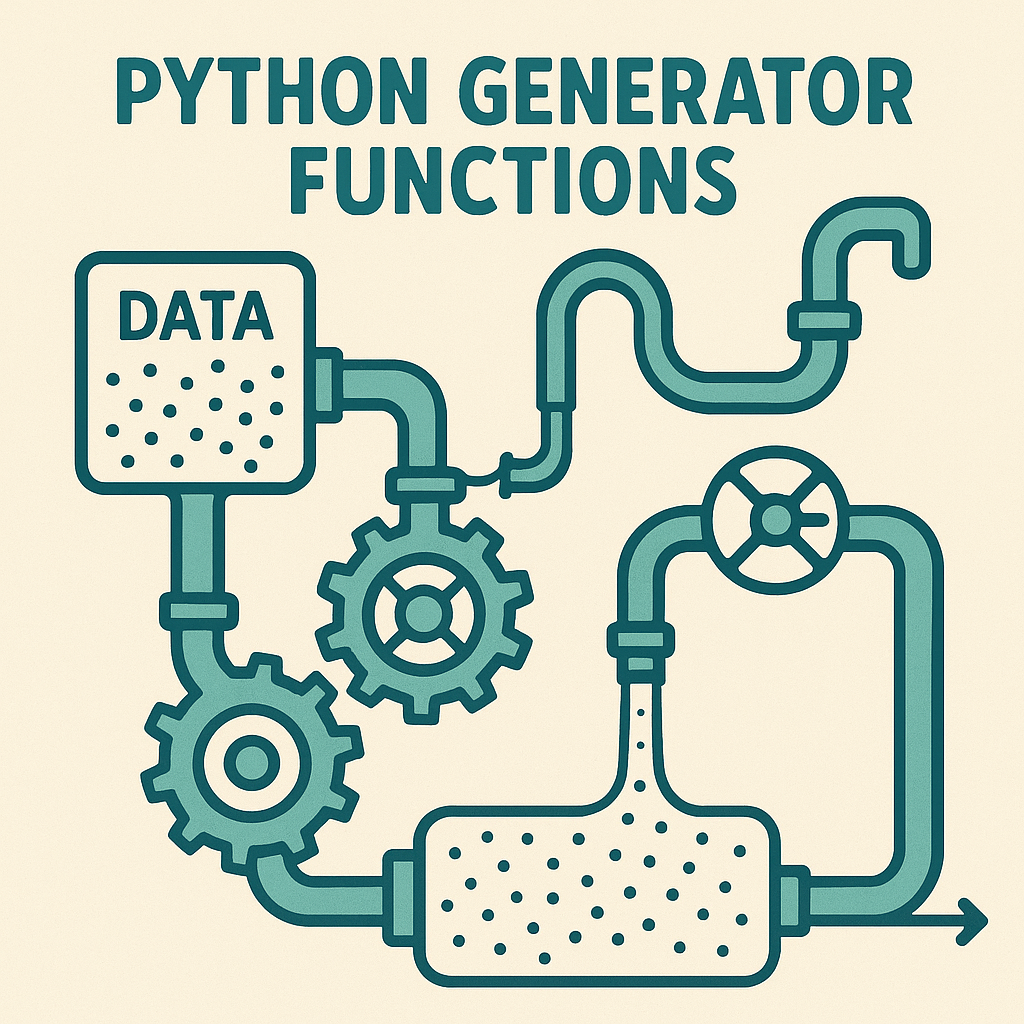

Mastering Python Generators: Writing Efficient, Lazy, and Elegant Code
Introduction
Generators are a cornerstone of Python’s approach to memory-efficient programming. They allow you to write code that can process large data streams, handle infinite sequences, and implement elegant pipelines, all with minimal memory overhead. In this article, we’ll dive into the core concepts of Python generators, explore use cases, discuss performance tips, and demonstrate real-world automation patterns. Whether you’re new to generators or looking to deepen your understanding, you’ll come away with practical knowledge and inspiration.
1. Understanding Python Generators
Generators are special iterators. Unlike lists or tuples, which store all of their elements in memory, generators yield items one at a time and only when requested. This is often referred to as ‘lazy evaluation.’
Let’s start with a simple example that generates squares of a sequence of numbers:
def generate_squares(n):
    for i in range(n):
        yield i ** 2

squares = generate_squares(5)
for square in squares:
    print(square)
# Output: 0, 1, 4, 9, 16
How it works: The yield statement turns the function into a generator. Each call to next() or each step in the loop resumes execution until yield returns another value.
2. Generator Expressions vs. List Comprehensions
Python provides generator expressions as a concise way to create generators, similar to list comprehensions but with parentheses:
# List comprehension (eager evaluation)
squares_list = [x * x for x in range(1000000)]

# Generator expression (lazy evaluation)
squares_gen = (x * x for x in range(1000000))
Why use generator expressions? When you don’t need all the results at once—such as when processing large files or streams—generator expressions save memory and improve performance by producing values only as needed.
3. Chaining and Pipeline Patterns
Generators are the backbone of data pipelines. You can chain multiple generators to process data streams efficiently. This is common in ETL (Extract, Transform, Load) scripts, log processing, and other automation tasks.
def read_lines(filepath):
    with open(filepath, 'r') as file:
        for line in file:
            yield line.strip()

def filter_errors(lines):
    for line in lines:
        if 'ERROR' in line:
            yield line

def extract_timestamp(lines):
    for line in lines:
        yield line.split(' ')[0]  # Assumes timestamp is first word

# Usage:
log_lines = read_lines('server.log')
error_lines = filter_errors(log_lines)
timestamps = extract_timestamp(error_lines)

for ts in timestamps:
    print(ts)
Tip: This pipeline approach enables you to process potentially very large files with minimal memory usage, as only one line is handled at a time.
4. Practical Automation Example: Monitoring a Growing File
Let’s automate real-time log monitoring, similar to tail -f in Bash, using a generator. This pattern is invaluable in DevOps and monitoring tasks.
import time

def tail_f(filename):
    with open(filename, 'r') as f:
        f.seek(0, 2)  # Go to end of file
        while True:
            line = f.readline()
            if not line:
                time.sleep(0.5)  # Wait for new data
                continue
            yield line.rstrip()

# Usage example:
for line in tail_f('server.log'):
    if 'ERROR' in line:
        print(f'Alert: {line}')
Performance note: This approach enables near-instantaneous reaction to new logs without reading the whole file into memory. If you monitor very high-throughput logs, consider asyncio for further optimization.
5. Advanced Tips and Performance Considerations
- Short-circuiting with itertools: Use
itertools.isliceortakewhileto stop iteration early, which can significantly speed up pipelines. - Composing with built-ins: Functions like
sum(),max(), andany()accept generators, so you can process streams without intermediates:
from itertools import islice
# Get first 100 squares
first_100 = list(islice(generate_squares(1000000), 100))
# Or sum only even squares lazily
even_squares_sum = sum(x for x in generate_squares(1000000) if x % 2 == 0)- Debugging: Wrap your pipeline steps or add
print()inside generators to trace values at each stage. - Resource management: Always ensure files and sockets are opened in context managers (
with) to avoid resource leaks.
Conclusion
Python generators are a superpower for developers dealing with data streams, large files, or memory-sensitive applications. They enable writing concise, performant, and readable code that scales. By understanding generators, transitioning between list comprehensions and generator expressions, and composing pipelines, you can handle real-world tasks with professional-grade efficiency. Embrace generators to make your Python scripts faster and smarter!
Useful links: