
Mastering Async/Await in Modern JavaScript: Unlocking the Power of Asynchronous Programming
Introduction
In the fast-paced world of web development, writing asynchronous code is a necessity. Whether you’re fetching data from remote APIs, reading files, or waiting for user actions, non-blocking code ensures smooth, efficient applications. JavaScript’s async and await keywords have transformed how developers write asynchronous code, making it cleaner and easier to reason about. In this article, we’ll explore how async/await works, provide detailed code examples, and discuss best practices and performance considerations.
1. Understanding Async/Await: The Basics
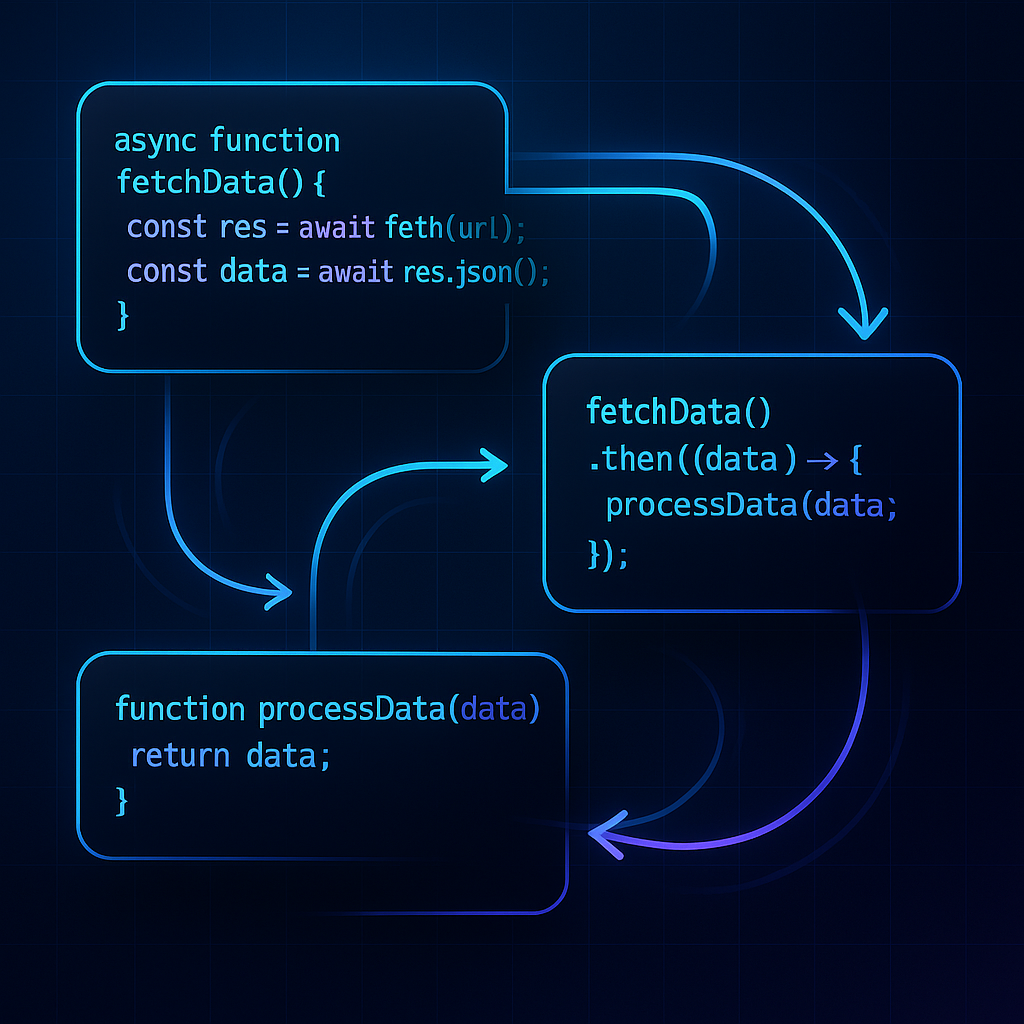
The async and await keywords simplify working with Promises. Functions marked as async will always return a Promise, and await pauses execution until the awaited Promise settles.
async function fetchData() {
  return 'Hello, Async!';
}

fetchData().then(result => console.log(result)); // Logs: Hello, Async!
Why it works: Marking a function async ensures it returns a Promise, which can be used with .then. This sets the stage for using await inside such functions.
2. Await: Writing Synchronous-Style Asynchronous Code
Before async/await, developers chained .then(), leading to deeply nested or unreadable code. With await, you can ‘pause’ inside an async function and write code that looks synchronous.
async function getUser() {
  const response = await fetch('https://jsonplaceholder.typicode.com/users/1');
  const user = await response.json();
  return user;
}

getUser().then(console.log);
How it works: await halts execution until the Promise resolves. This lets you write code that is readable and logical, avoiding callback pyramids.
3. Error Handling with Async/Await
Catching asynchronous errors becomes much cleaner with async/await using try/catch blocks, similar to synchronous code error handling.
async function fetchWithError() {
  try {
    const response = await fetch('invalid-url');
    const data = await response.json();
    return data;
  } catch (error) {
    console.error('Caught error:', error);
  }
}

fetchWithError();
Why it’s powerful: Synchronous-style error handling improves maintainability and avoids scattering .catch() callbacks throughout the codebase.
4. Running Asynchronous Operations in Parallel
One major benefit of Promises is parallelism. To run operations concurrently, use Promise.all() to await multiple promises at once. Using await line-by-line would run them serially (slower), while Promise.all() triggers them at once.
async function getMultipleUsers() {
  const urls = [
    'https://jsonplaceholder.typicode.com/users/1',
    'https://jsonplaceholder.typicode.com/users/2'
  ];
  const promises = urls.map(url => fetch(url).then(res => res.json()));
  const users = await Promise.all(promises);
  return users;
}

getMultipleUsers().then(console.log);
Tip: Always use Promise.all() for independent asynchronous tasks to maximize performance!
5. Real-World Use Case: Efficient API Data Aggregation Service
Suppose you’re building a dashboard that aggregates multiple data sources. Using async/await lets you combine data elegantly and handle partial failures gracefully.
async function getDashboardData() {
  const endpoints = [
    '/api/metrics',
    '/api/notifications',
    '/api/feed'
  ];
  try {
    const [metrics, notifications, feed] = await Promise.all(
      endpoints.map(endpoint => fetch(endpoint).then(res => res.json()))
    );
    return { metrics, notifications, feed };
  } catch (error) {
    // Handle error, return partial data if necessary
    return { metrics: null, notifications: null, feed: null, error };
  }
}
Optimization Strategies: – Initiate fetches before await to maximize parallelism – Use Promise.allSettled() for partial results on failure – Use descriptive error messages and centralized error logging
Conclusion
Async/await simplifies asynchronous code in modern JavaScript, making it easier to read, write, and maintain. By combining async functions, await expressions, Promise.all() for concurrency, and thoughtful error handling, you can write robust, efficient asynchronous applications. Harness these tools in your codebase to deliver fast, resilient user experiences.
Useful links: