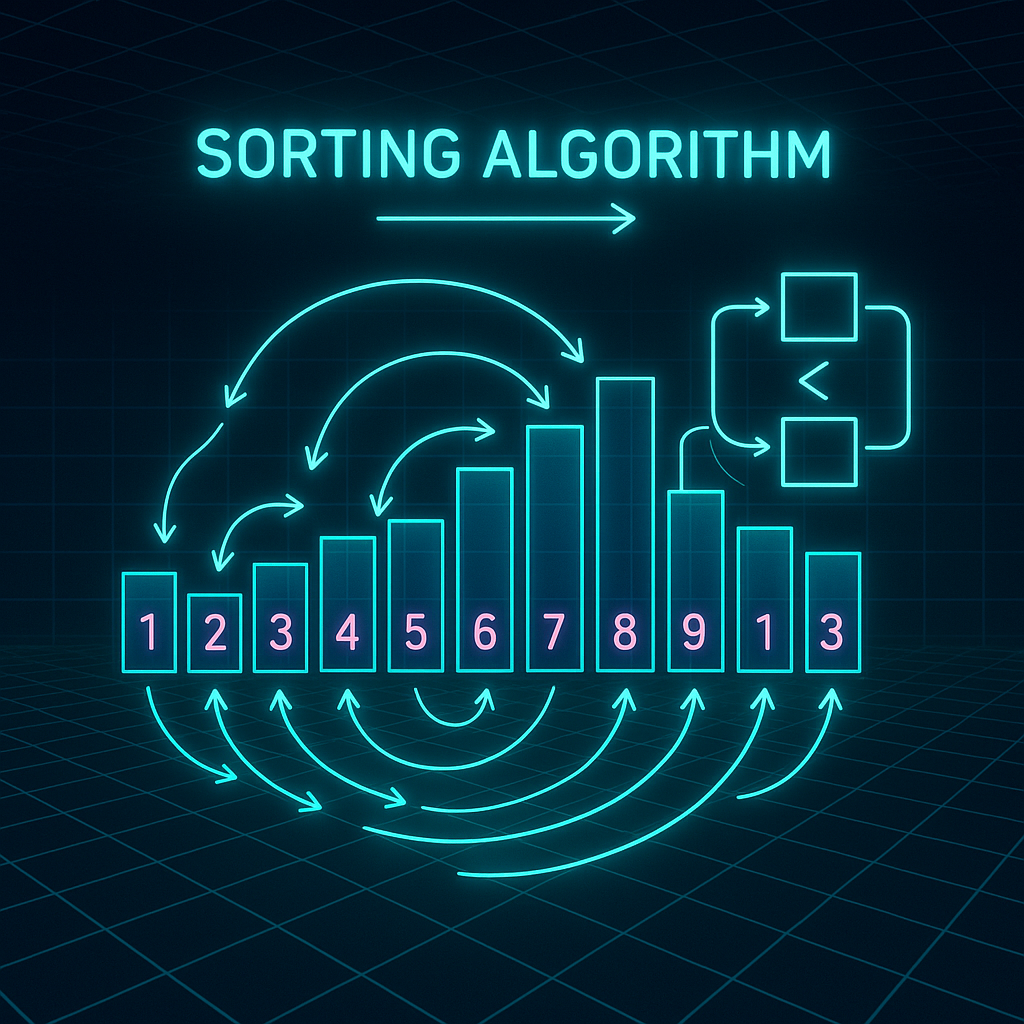

Mastering Sorting Algorithms in Python: Practical Patterns, Performance, and Applications
Sorting is one of the most fundamental operations in computer science. Whether you’re building search features, optimizing data pipelines, or prepping machine learning datasets, knowing how to sort efficiently will save you time and headaches. In Python, multiple sorting algorithms are available, each with distinct performance properties and use cases. In this blog post, we’ll explore key sorting algorithms, walk through practical code samples, discuss when (and why) to use each, and uncover tips for squeezing out maximum performance.
1. Why Sorting Matters: Real-World Use Cases and Performance
Sorting is more than just lining up numbers or strings. Some practical applications include:
- Searching (binary search requires sorted data)
- Duplicate detection and data deduplication
- Ranking results (search, recommendations)
- Optimizing data analysis workflows
- User interface (displaying sorted tables/lists)
But not all sorting needs are the same. For example, sorting a huge log file is very different from keeping a leaderboard up-to-date. It’s important to choose the right algorithm based on data size, structure, and requirements (e.g., in-place, stability, etc.).
2. Built-in Sort: Python’s Timsort (The Pragmatic Choice)
Python’s list.sort() and sorted() functions use Timsort, a hybrid sorting algorithm derived from merge sort and insertion sort. It’s stable and has excellent real-world performance on both random and partially sorted data. Here’s how you use it:
numbers = [5, 3, 1, 4, 2]
numbers.sort()
print(numbers)  # Output: [1, 2, 3, 4, 5]

# Sorting objects by an attribute
users = [
  {"name": "Alice", "age": 34},
  {"name": "Bob", "age": 22},
  {"name": "Carol", "age": 29}
]
users.sort(key=lambda x: x["age"])
print(users)
# Output: [{"name": "Bob", ...}, {"name": "Carol", ...}, {"name": "Alice", ...}]
Why use it? For most cases, leverage the built-in sort. It’s highly optimized in C, stable (preserves order for equal elements), and supports custom keys and reverse sorting. But for educational purposes (and sometimes for squeezing a little more performance or custom behavior), it pays to know alternatives.
3. Classic Sorting Algorithms: When and How to Use Them
Let’s explore three classic sorting algorithms: Bubble Sort, Merge Sort, and Quick Sort. We’ll cover their code patterns, pros/cons, and when to use them.
Bubble Sort: Educational, Slow for Large Data
def bubble_sort(arr):
    n = len(arr)
    for i in range(n):
        for j in range(n - i - 1):
            if arr[j] > arr[j + 1]:
                arr[j], arr[j + 1] = arr[j + 1], arr[j]
    return arr

print(bubble_sort([5, 1, 4, 2, 8]))  # Output: [1, 2, 4, 5, 8]
Use case: Teaching; rarely for production. O(n^2) time complexity makes it impractical for big datasets.
Merge Sort: Stable and Efficient for Linked Data Structures
def merge_sort(arr):
    if len(arr) <= 1:
        return arr
    mid = len(arr) // 2
    left = merge_sort(arr[:mid])
    right = merge_sort(arr[mid:])
    return merge(left, right)

def merge(left, right):
    result = []
    i = j = 0
    while i < len(left) and j < len(right):
        if left[i] <= right[j]:
            result.append(left[i])
            i += 1
        else:
            result.append(right[j])
            j += 1
    result.extend(left[i:])
    result.extend(right[j:])
    return result

print(merge_sort([3,6,2,7,4]))  # Output: [2, 3, 4, 6, 7]
Use case: Sorting linked lists or very large datasets (external merge sort). It’s stable and has predictable O(n log n) time.
Quick Sort: Fastest for Many In-Memory Cases
def quick_sort(arr):
    if len(arr) <= 1:
        return arr
    pivot = arr[len(arr) // 2]
    left = [x for x in arr if x < pivot]
    middle = [x for x in arr if x == pivot]
    right = [x for x in arr if x > pivot]
    return quick_sort(left) + middle + quick_sort(right)

print(quick_sort([10, 7, 8, 9, 1, 5]))  # Output: [1, 5, 7, 8, 9, 10]
Use case: Often fastest for random access containers (like lists), but not stable. Average O(n log n), worst-case O(n^2).
4. Custom Sorting: Key Functions, Complex Objects, and Edge Cases
Real-world data is messy. You’ll likely need to sort objects, tuples, or even custom classes. Python’s sort API shines here.
# Sorting by multiple keys
products = [
    {"name": "Widget", "price": 35, "rating": 4.7},
    {"name": "Gadget", "price": 35, "rating": 4.5},
    {"name": "Doohickey", "price": 50, "rating": 4.2}
]
# Sort by price ascending, then rating descending
products.sort(key=lambda x: (x['price'], -x['rating']))
print(products)

# Custom __lt__ for sorting a class
class Person:
    def __init__(self, name, age):
        self.name = name
        self.age = age
    def __lt__(self, other):
        return self.age < other.age

people = [Person('Jane', 24), Person('John', 30)]
people.sort()
print([(p.name, p.age) for p in people])  # [('Jane', 24), ('John', 30)]
Pro tip: Use functools.cmp_to_key for complex comparison logic. Always document how your keys handle ties and edge cases (e.g., nulls).
5. Performance Tips and Pythonic Patterns
Sorting can be expensive for large datasets. Here are a few strategies for efficient and pythonic sorting:
- Avoid sorting unless absolutely needed. Sometimes a max, min, or heapq.nsmallest/nlargest will do the job faster.
- When only partial ordering is required (e.g., top-10 results), use a heap:
import heapq
nums = [7,2,5,3,11,8]
print(heapq.nlargest(3, nums))  # Output: [11, 8, 7]
- Leverage key functions for sorting complex objects, especially if you need to pre-compute or cache attributes.
- Be cautious with in-place sorting.
list.sort()sorts in-place and returns None;sorted()returns a new list and works with any iterable. - Know your data. For huge datasets, consider chunked sorts, or even external sorting (writing temporary files).
Optimization example: If you must sort millions of records—do NOT use bubble sort! Profile your data and choose the right algorithm. Python’s built-in sort() is almost always the best choice, but don’t underestimate the gains from using a well-tuned database or a tool like pandas if you need advanced queries.
Conclusion
Sorting is both an essential and nuanced topic. Python’s ecosystem provides efficient built-in methods for most needs, but understanding core algorithms, patterns, and their trade-offs allows you to write more robust and performant code—especially as dataset sizes and complexity grow. Keep these patterns, code snippets, and optimization tips handy on your next project or technical interview!
Useful links: