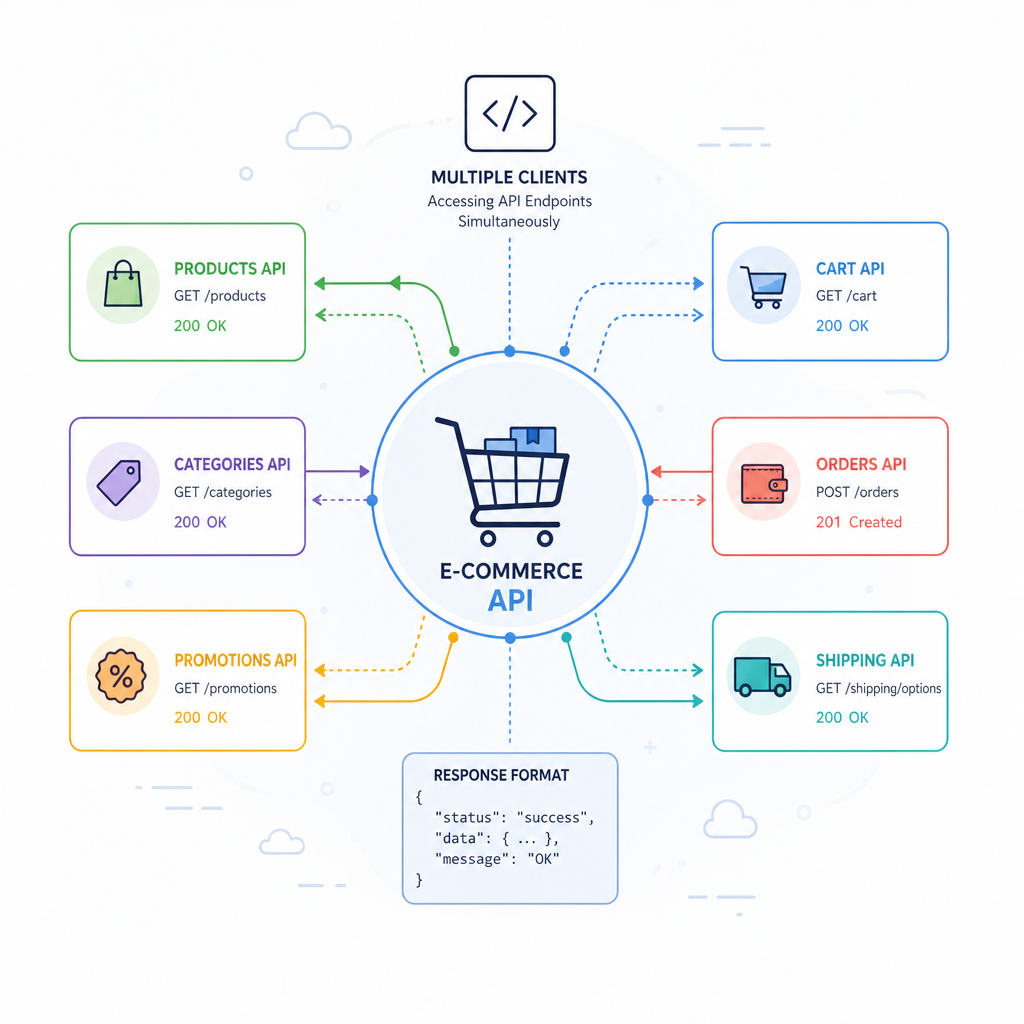

Creating RESTful APIs with Flask: An E-Commerce Example
Building a RESTful API can be one of the most efficient methods for constructing backend services in modern web applications. In this guide, we’ll leverage Flask, a lightweight Python framework to create a RESTful API for managing product data in an e-commerce scenario. By the end, you’ll have a solid foundation for developing APIs that can handle real-world applications’ needs.
Section 1: Setting Up the Flask Environment
Before diving into code, ensure you have Python and pip installed. Start by creating a virtual environment to manage package dependencies:
python3 -m venv venv
source venv/bin/activate
Now, install Flask and Flask-RESTful:
pip install Flask Flask-RESTfulWith these installations, you can now create a basic Flask application. Create a new file app.py and add the following code:
from flask import Flask
from flask_restful import Api

app = Flask(__name__)
api = Api(app)

if __name__ == '__main__':
    app.run(debug=True)
This setup provides a robust foundation to start adding resources to your API.
Section 2: Designing the API Structure
APIs often follow resource-based style, and our e-commerce API will revolve around products. The following endpoints are essential for managing product data:
- GET /products – Retrieve a list of products
- GET /products/<id> – Retrieve a specific product
- POST /products – Add a new product
- PUT /products/<id> – Update an existing product
- DELETE /products/<id> – Remove a product
Each endpoint will map to a class-based resource in Flask-RESTful. Let’s define the Product resource next.
Section 3: Implementing Product Endpoints
To begin, implement the Product resource class with the sample code below. Add this to app.py:
from flask import request, jsonify
from flask_restful import Resource

products = []

class Product(Resource):
    def get(self, id=None):
        if id is None:
            return jsonify(products)
        for product in products:
            if product['id'] == id:
                return product
        return {'message': 'Product not found'}, 404

    def post(self):
        data = request.get_json()
        if 'id' not in data or 'name' not in data:
            return {'message': 'Invalid data'}, 400
        products.append(data)
        return data, 201

    def put(self, id):
        data = request.get_json()
        for product in products:
            if product['id'] == id:
                product.update(data)
                return product
        return {'message': 'Product not found'}, 404

    def delete(self, id):
        global products
        products = [product for product in products if product['id'] != id]
        return {'message': 'Product deleted'}, 200
In this code, products are stored as a simple list for demonstration. It handles common operations such as searching, updating, and removing products. Note the use of HTTP status codes to indicate success or errors.
Section 4: Testing the API using cURL
With the endpoints set, let’s test them. Ensure your server is running and open another terminal. Here’s how you can interact with your API using cURL:
# Add a product
curl -X POST http://localhost:5000/products -H "Content-Type: application/json" -d '{"id": 1, "name": "Laptop"}'

# Get all products
curl http://localhost:5000/products

# Update a product
curl -X PUT http://localhost:5000/products/1 -H "Content-Type: application/json" -d '{"name": "Gaming Laptop"}'

# Delete a product
curl -X DELETE http://localhost:5000/products/1
These examples showcase basic API operations useful in integrating with various front-end applications or third-party services.
Section 5: Enhancing the API for Real-World Use
To move beyond an in-memory data structure and simple list, consider integrating a database like SQLite or SQLAlchemy for more persistent storage. This improvement ensures data retention beyond server restarts and scales much better for larger datasets and more complex queries.
Another consideration is security. Implementing basic authentication such as API keys, or OAuth where user data is involved, is essential for production-ready APIs.
Finally, consider creating automated tests using a tool such as pytest to validate your API under varying conditions, which helps in maintaining its reliability over time.
In conclusion, you’ve now set up a basic RESTful API using Flask. With further enhancements in persistence and security, you’ll find Flask to be a formidable choice for Python-based web service development.
Useful links: