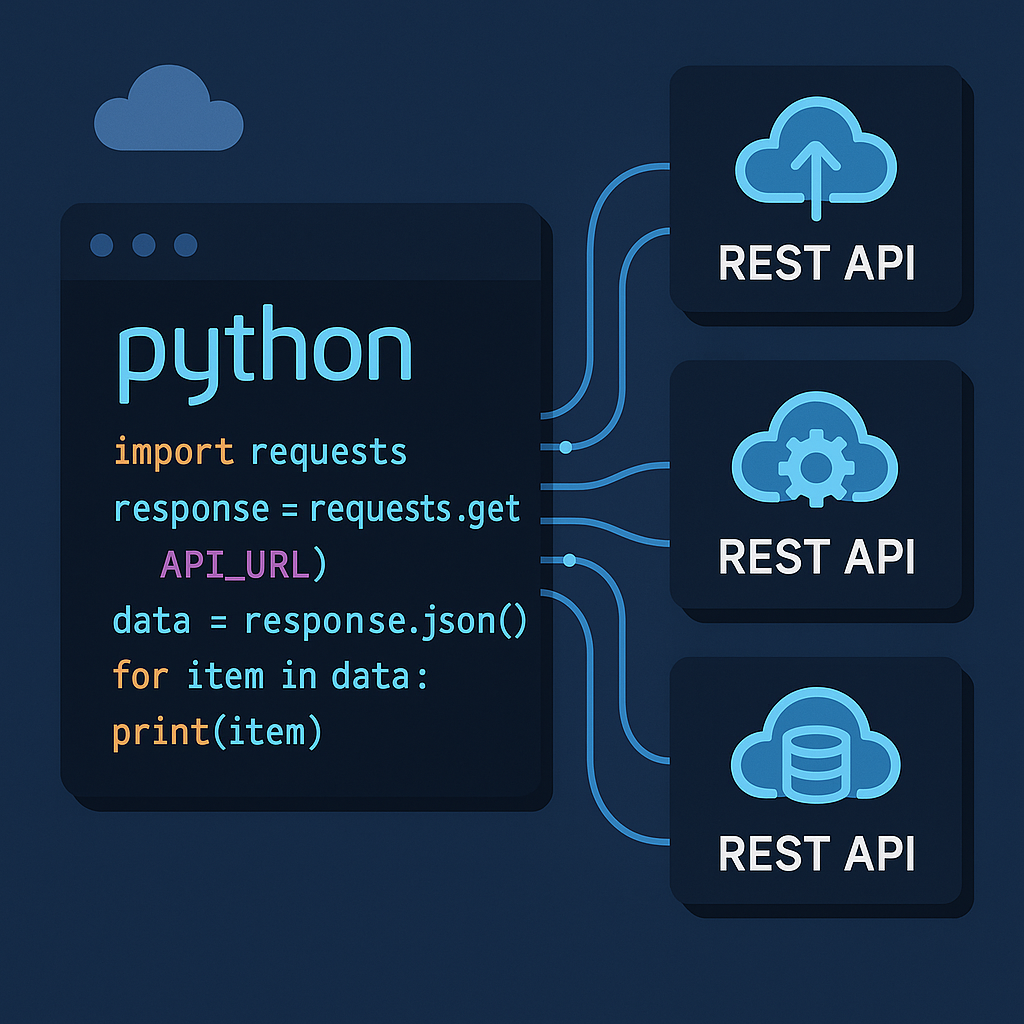

Mastering REST API Integration in Python: Practical Patterns and Code
Introduction
REST APIs are the backbone of communication between web applications today. Whether you’re building a web app, automating processes, or retrieving data, knowing how to integrate external services via REST in Python is a core skill. In this post, we’ll cover effective ways to consume and integrate with REST APIs in Python—including hands-on code, robust patterns, and useful real-world tips. By the end, you’ll be comfortable making requests, handling authentication, optimizing for performance, and automating workflows.
1. Getting Started: Making Simple API Requests
The most popular package for making HTTP requests in Python is requests. Let’s see how you can fetch data from a public API (for example, OpenWeatherMap):
import requests

response = requests.get('https://api.openweathermap.org/data/2.5/weather', params={
    'q': 'London',
    'appid': 'your_api_key_here',
    'units': 'metric'
})

if response.status_code == 200:
    data = response.json()
    print(f"Temperature in London: {data['main']['temp']}°C")
else:
    print('Failed to fetch data:', response.status_code)
This example demonstrates:
- How to send GET requests with query parameters
- JSON response parsing using
response.json() - Error-checking via status codes
Tip: Always check response codes and fail gracefully.
2. Handling Authentication: Secure API Consumption
Most APIs require authentication, often via an API key, token, or OAuth 2.0. Here’s how you might use headers for Bearer token authentication:
import requests

token = 'your_oauth_token'
headers = {
    'Authorization': f'Bearer {token}'
}
url = 'https://api.example.com/v1/userinfo'

response = requests.get(url, headers=headers)
if response.ok:
    print(response.json())
else:
    print('Auth failed:', response.status_code)
If you’re working with secrets in scripts, prefer storing them as environment variables or using a secrets manager for enhanced security. Never hardcode production credentials in your codebase.
3. Crafting POST and PUT Requests with Payloads
Many APIs require you to send data—such as creating or updating resources. Here’s how to send JSON via POST:
import requests

url = 'https://api.example.com/v1/resource'
payload = {
    'name': 'My Resource',
    'description': 'Created via Python script.'
}
headers = {
    'Authorization': f'Bearer {token}',
    'Content-Type': 'application/json'
}

response = requests.post(url, json=payload, headers=headers)
if response.ok:
    print('Resource created:', response.json())
else:
    print('Error:', response.text)
The json parameter automatically serializes your dictionary to JSON and sets the correct header. For file uploads, check the API docs—often multipart/form-data is required, which requests supports.
4. Error Handling, Timeouts, and Retries
APIs are external dependencies and can be unreliable. Always handle network errors, timeouts, and implement retry logic to make your integration robust:
import requests
from requests.adapters import HTTPAdapter
from requests.packages.urllib3.util.retry import Retry

session = requests.Session()
retries = Retry(total=5, backoff_factor=0.2, status_forcelist=[500,502,503,504])
session.mount('https://', HTTPAdapter(max_retries=retries))

try:
    response = session.get('https://api.example.com/v1/data', timeout=5)
    response.raise_for_status()
    print(response.json())
except requests.RequestException as e:
    print('Request error:', e)
Here, Retry implements exponential backoff—crucial when consuming rate-limited or flaky APIs.
5. Automation Patterns and Performance Tips
When automating API calls—perhaps for ETL jobs or batch processing—pay attention to rate limits and batch endpoints. Here’s a simple pagination loop for large result sets:
import requests

url = 'https://api.example.com/data?page=1'
data = []

while url:
    response = requests.get(url, headers=headers)
    if not response.ok:
        break
    page = response.json()
    data.extend(page['results'])
    url = page.get('next')  # API should return next page URL or None

print(f'Total items fetched: {len(data)}')
Optimize by:
- Using pagination endpoints
- Respecting rate limits (see
Retry-Afterheaders) - Caching repeat queries (with
requests-cacheor Redis for heavy usage)
Conclusion
Python’s HTTP ecosystem provides all you need to reliably and securely integrate with REST APIs. With these code patterns—simple requests, secure authentication, error handling, and automation—you can efficiently interact with modern web APIs for personal projects or in production environments. Remember to always reference each API’s documentation for specific requirements. Happy coding!
Useful links: