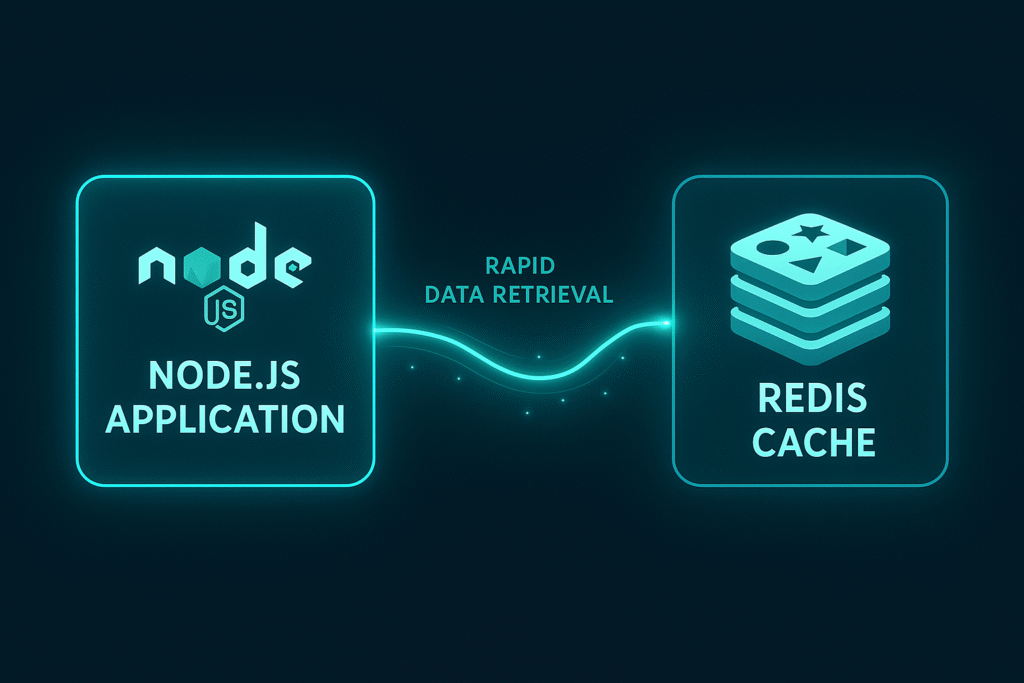

Harnessing the Power of Redis for Fast Data Retrieval in Node.js Applications
In the pursuit of blazing-fast application performance, caching is a strategy that can significantly reduce the time it takes to retrieve data. Redis, an in-memory data store, excels in this domain due to its speed and support for various data structures. In this blog, we delve into using Redis to implement effective caching strategies in Node.js applications.
Understanding Redis and Its Role in Caching
Redis is an open-source, in-memory data structure store used as a database, cache, and message broker. Known for its exceptional speed, Redis operations are atomic, thus ensuring data integrity. It supports rich data types, such as strings, hashes, lists, sets, and sorted sets.
Setting Up Redis with a Node.js Application
To begin reaping the benefits of Redis, you need to connect it with your Node.js application. This involves installing Redis and a corresponding client library.
# Install redis-server
sudo apt-get install redis-server

# Install Redis client for Node.js
npm install redis
Once installed, initialize a Redis client within your Node.js application:
const redis = require('redis');
const client = redis.createClient();

client.on('connect', function() {
    console.log('Connected to Redis...');
});
By initializing the Redis client, you can now perform operations such as storing and retrieving data.
Implementing Caching Strategies
Caching bolsters the speed of your application by storing frequently accessed data in memory. Let’s look at an example of how to cache API responses:
const fetch = require('node-fetch');

async function getApiData(url) {
    return new Promise((resolve, reject) => {
        client.get(url, async (err, data) => {
            if (err) return reject(err);
            if (data) {
                console.log('Cache hit!');
                return resolve(JSON.parse(data));
            } else {
                console.log('Cache miss!');
                try {
                    const response = await fetch(url);
                    const data = await response.json();
                    client.setex(url, 3600, JSON.stringify(data)); // Cache for 1 hour
                    return resolve(data);
                } catch (error) {
                    return reject(error);
                }
            }
        });
    });
}
In this code, when an API request is made, it first checks whether the response is in Redis. If not, it fetches the data and stores it in Redis for future requests.
Performance Considerations
While Redis accelerates data retrieval times, it’s crucial to consider memory usage and data expiry strategies. Redis can handle millions of requests per second, driven by its efficient in-memory storage—but this also means memory can get saturated quickly in high load scenarios. Implement a data expiry mechanism using Redis commands like TTL (time-to-live), which automatically deletes data.
Also, choose appropriate data structures that align with your use case. Redis provides a variety of data types, and leveraging the right one can drastically improve performance.
Real-World Use Cases
In addition to API response caching, Redis is an excellent choice for session storage, leaderboard systems that require sorted sets, and storing temporary data like form inputs during a transaction process.
Moreover, Redis can be used to implement publish/subscribe messaging systems, where Node.js can react to real-time events with low latency responses. This makes Redis highly effective for chat applications, real-time analytics, and even IoT platforms.
Conclusion
Redis is a powerful tool for supercharging the performance of your Node.js applications by implementing efficient data caching. By reducing redundant data fetching, you can significantly enhance your app’s responsiveness and ensure a better user experience. Start integrating Redis into your workflow to feel the immediate benefits of high-speed data retrieval.
Useful links: