
Integrating Third-party APIs Seamlessly With RESTful Web Services
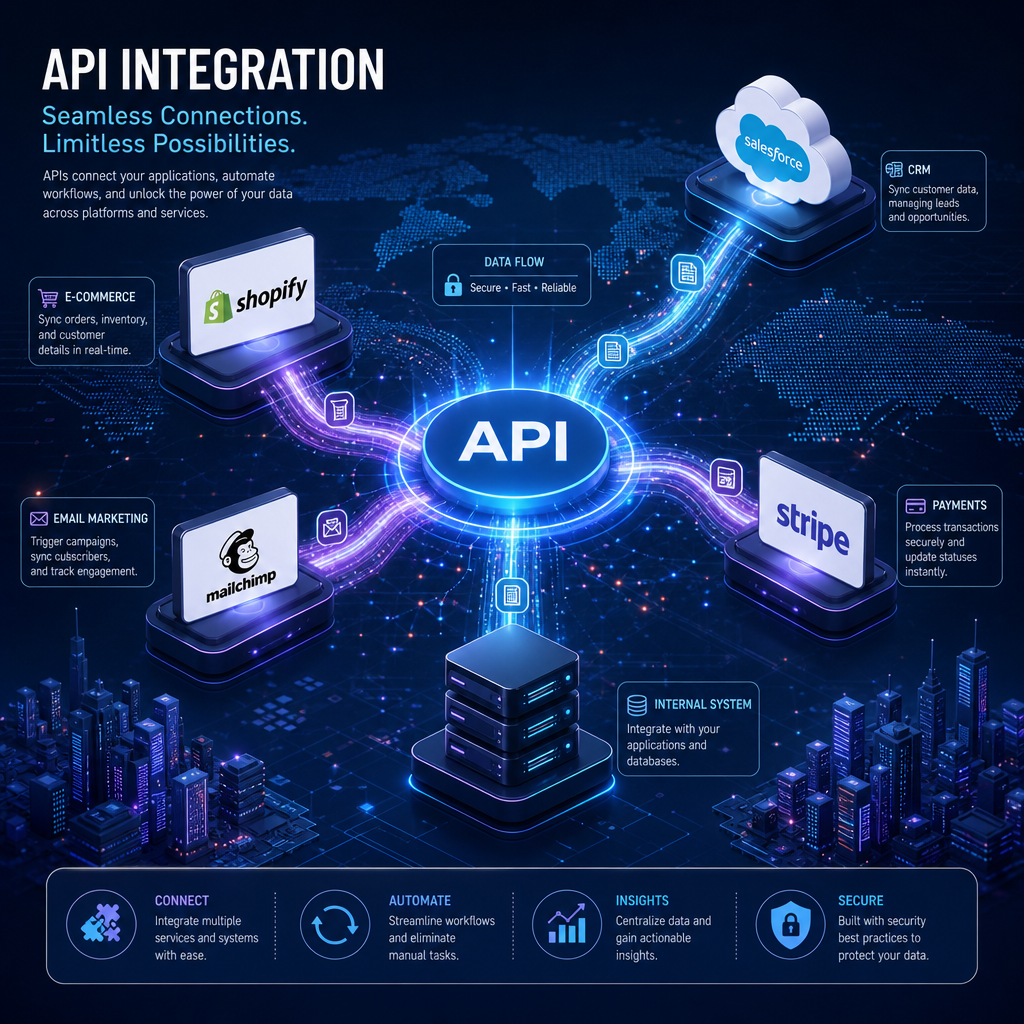
In today’s fast-paced digital landscape, integrating third-party APIs has become a cornerstone of building robust web applications. By employing RESTful web services, developers can harness powerful functionalities from external services, creating a seamless user experience without reinventing the wheel. In this article, we will explore the process of integrating third-party APIs using REST, with practical examples focusing on authentication with OAuth and effective API request handling.
Understanding RESTful Web Services
REST, or Representational State Transfer, is an architectural style that utilizes standard HTTP methods for communication with resources on the web. RESTful services are stateless, meaning each request from client to server must contain all the information necessary to understand and process the request. This feature enhances the scalability of applications by removing the server state dependency. Let’s look at a simplified example of a RESTful request to fetch user data:
fetch('https://api.example.com/users/123', {
  method: 'GET',
  headers: {
    'Content-Type': 'application/json',
    'Authorization': 'Bearer YOUR_ACCESS_TOKEN'
  }
})
.then(response => response.json())
.then(data => console.log(data))
.catch(error => console.error('Error fetching user data:', error));
Here, we are making a GET request to retrieve user data by specifying the user ID in the URL path. The Authorization header carries the bearer token, a crucial part of securing API requests.
Introduction to OAuth Authentication
OAuth is an open standard for access delegation, commonly used for token-based authentication and authorization on the internet. It allows third-party services to exchange information without exposing user credentials. Here’s a general flow of OAuth 2.0:
- The user is directed to an authentication page where they log in using their credentials.
- After authentication, the user consents to allow the application access.
- The application receives an authorization code which is exchanged for an access token.
Let’s see a sample Node.js code snippet for handling the OAuth token exchange:
const fetch = require('node-fetch');

async function getAccessToken(authCode) {
  const response = await fetch('https://api.example.com/oauth/token', {
    method: 'POST',
    headers: {
      'Content-Type': 'application/x-www-form-urlencoded'
    },
    body: new URLSearchParams({
      'grant_type': 'authorization_code',
      'code': authCode,
      'redirect_uri': 'http://localhost/callback',
      'client_id': 'YOUR_CLIENT_ID',
      'client_secret': 'YOUR_CLIENT_SECRET'
    })
  });

  if (!response.ok) {
    throw new Error('Failed to retrieve access token');
  }
  const data = await response.json();
  return data.access_token;
}
In this example, we use the Fetch API to send a POST request to exchange an authorization code for an access token. The request includes essential parameters like client ID, client secret, and the redirect URI.
Handling API Requests Efficiently
Once authenticated, it is crucial to handle API requests efficiently to ensure responsiveness and reliability of your application. Use connection pooling and caching mechanisms where appropriate. Consider the following example using Axios for robust request handling and error management:
const axios = require('axios');

const apiClient = axios.create({
  baseURL: 'https://api.example.com/',
  timeout: 1000,
  headers: {'Authorization': 'Bearer YOUR_ACCESS_TOKEN'}
});

apiClient.get('/endpoint')
  .then(response => console.log(response.data))
  .catch(error => console.error('Error making request:', error));
Here, Axios provides a powerful and flexible API client that simplifies error handling with promises and supports automatic handling of JSON. Timeouts are also specified to prevent requests from hanging indefinitely.
Best Practices in API Integration
For seamless API integration, consider implementing the following best practices:
- Rate Limiting: Adhere to the rate limits set by APIs to avoid throttling.
- Retry Logic: Implement retry mechanisms with exponential backoff for transient errors.
- Logging: Maintain logs for API requests to monitor performance and troubleshoot issues efficiently.
Let’s implement a simple retry mechanism using Axios:
async function fetchDataWithRetry(url, retries = 3) {
  try {
    const response = await apiClient.get(url);
    return response.data;
  } catch (error) {
    if (retries > 0) {
      console.log('Retrying request, attempts left:', retries);
      return await fetchDataWithRetry(url, retries - 1);
    }
    throw error;
  }
}
This function attempts to fetch data from the given URL, retrying up to three times in case of failure, thus enhancing resilience.
Conclusion
Integrating third-party APIs with RESTful web services expands the capabilities of your web applications while improving performance and user experience. By understanding OAuth authentication, optimizing request handling, and adhering to best practices, you can build robust applications that seamlessly interact with external APIs. Explore the various libraries and tools available for different programming languages to further simplify the integration process and enhance application performance.
Useful links: