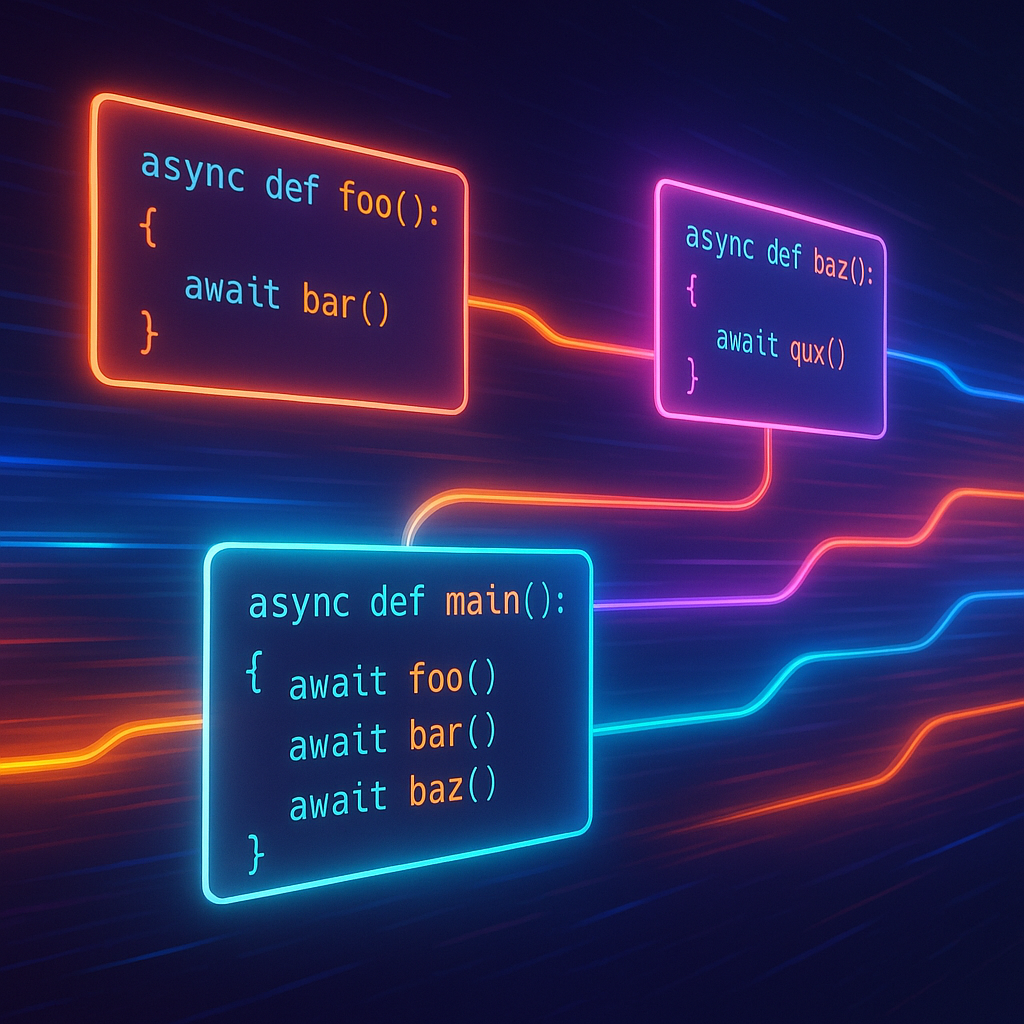

Mastering Asynchronous Programming in Python: Patterns, Tips, and Real-World Applications
Asynchronous programming is vital for building high-performance applications that can efficiently handle I/O-bound operations, such as web servers, API clients, or automation scripts. Python, especially since version 3.5, offers powerful async features with the introduction of asyncio, async and await keywords. This blog post will guide you through understanding Python’s async ecosystem, using practical code examples and discussing when and why to choose asynchronous patterns.
1. Why Asynchronous Programming?
Traditional Python code executes sequentially, which can lead to performance bottlenecks when tasks involve waiting for external resources—like network responses, file I/O, or database queries. Asynchronous programming allows Python applications to initiate multiple tasks and wait for their completion without blocking the entire program. This is especially useful for:
- Web servers serving many clients
- Downloading multiple files simultaneously
- Handling network APIs at scale
Sample synchronous vs. asynchronous code for fetching URLs:
# Synchronous fetch using requests
import requests
urls = ['https://httpbin.org/delay/1'] * 5
def fetch_all():
    return [requests.get(url).text for url in urls]
# Asynchronous fetch using aiohttp
import aiohttp
import asyncio
urls = ['https://httpbin.org/delay/1'] * 5
async def fetch(session, url):
    async with session.get(url) as resp:
        return await resp.text()
async def fetch_all():
    async with aiohttp.ClientSession() as session:
        tasks = [fetch(session, url) for url in urls]
        return await asyncio.gather(*tasks)
# asyncio.run(fetch_all())
The second example runs all fetches ‘in parallel’—drastically reducing total waiting time.
2. Getting Started: The Basics of asyncio
Python’s asyncio provides primitives for defining and executing asynchronous tasks. Key concepts include the event loop, async def, await, and Task. Here’s how to run a simple task asynchronously:
import asyncio
async def greet(name):
    print(f'Hello, {name}!')
    await asyncio.sleep(1)
    print(f'Goodbye, {name}!')
async def main():
    await asyncio.gather(
        greet('Alice'),
        greet('Bob')
    )
asyncio.run(main())
Both greetings execute nearly simultaneously. The asyncio.sleep call mimics other I/O-bound operations. Always use asyncio.run as the entry point for top-level async code in Python 3.7+.
3. Real-World Use Case: Building an Async Web Scraper
Let’s see asynchronous code in practice by creating a fast web scraper. We’ll use aiohttp for HTTP calls and asyncio.gather for concurrency.
import aiohttp
import asyncio
from bs4 import BeautifulSoup
async def fetch_title(session, url):
    async with session.get(url) as response:
        html = await response.text()
        soup = BeautifulSoup(html, 'html.parser')
        return soup.title.string if soup.title else 'No title'
async def main():
    urls = [
        'https://python.org',
        'https://docs.python.org/3/library/asyncio.html',
        'https://pypi.org/'
    ]
    async with aiohttp.ClientSession() as session:
        titles = await asyncio.gather(*[fetch_title(session, url) for url in urls])
        print(titles)
asyncio.run(main())
This scraper fetches three pages in parallel and extracts their titles. For large-scale scraping, implement throttling and error handling for robustness.
4. Patterns & Pitfalls: Managing Concurrency and Rate Limits
While asyncio is powerful, unbounded concurrency can overwhelm resources or hit API rate limits. Concurrency patterns like semaphores and task pools help keep things under control.
import asyncio
import aiohttp
sem = asyncio.Semaphore(3) # Limit to 3 concurrent tasks
async def rate_limited_fetch(session, url):
    async with sem:
        async with session.get(url) as resp:
            return await resp.text()
# Usage similar to previous examples
Another pitfall: async functions calling blocking code. For CPU-bound or truly blocking I/O, use run_in_executor:
import asyncio
import time
def blocking_task():
    time.sleep(2)
    return 'done'
async def run_blocking():
    loop = asyncio.get_running_loop()
    result = await loop.run_in_executor(None, blocking_task)
    print(result)
asyncio.run(run_blocking())
This offloads blocking calls to a thread pool, keeping your async event loop responsive.
5. Advanced Tips and Performance Considerations
Here are some key optimizations and best practices for real-world async applications:
- Timeouts: Always use timeouts to avoid waiting for a dead or slow resource.
- Error Handling: Wrap individual tasks with try/except to handle errors gracefully.
- Task Cancellation: Use
asyncio.Taskobjects to manage and cancel running tasks if needed. - Mixing async and sync: Isolate blocking I/O using
run_in_executoras shown above. - Profiling: Tools like
aiomonitorandasync-profilerhelp inspect async performance issues.
import asyncio
import aiohttp
async def fetch_with_timeout(session, url, timeout=5):
    try:
        async with session.get(url, timeout=timeout) as resp:
            return await resp.text()
    except asyncio.TimeoutError:
        return 'Timeout!'
Small improvements like batching, limiting concurrency, and using efficient libraries can offer significant performance boosts in async workloads.
Conclusion
Async programming unlocks immense potential in Python for concurrent I/O operations. With proper patterns, error handling, and a clear understanding of the async ecosystem, you can build scalable, robust, and high-performing networked applications. Whether automating downloads, scraping websites, or building services, mastering asyncio is a key step for any Python backend or automation developer.
Useful links: