
Mastering Python Decorators: Practical Patterns and Advanced Usages
Introduction to Python Decorators
Python decorators are one of the most powerful—and sometimes mysterious—features in Python. They allow you to enhance or modify the behavior of functions or classes without changing their source code, enabling more elegant and modular designs. In this blog post, we’ll demystify decorators, walk through practical patterns, and dive into advanced usages, complete with working code samples and real-world applications.
1. The Basics: What Are Decorators & How Do They Work?
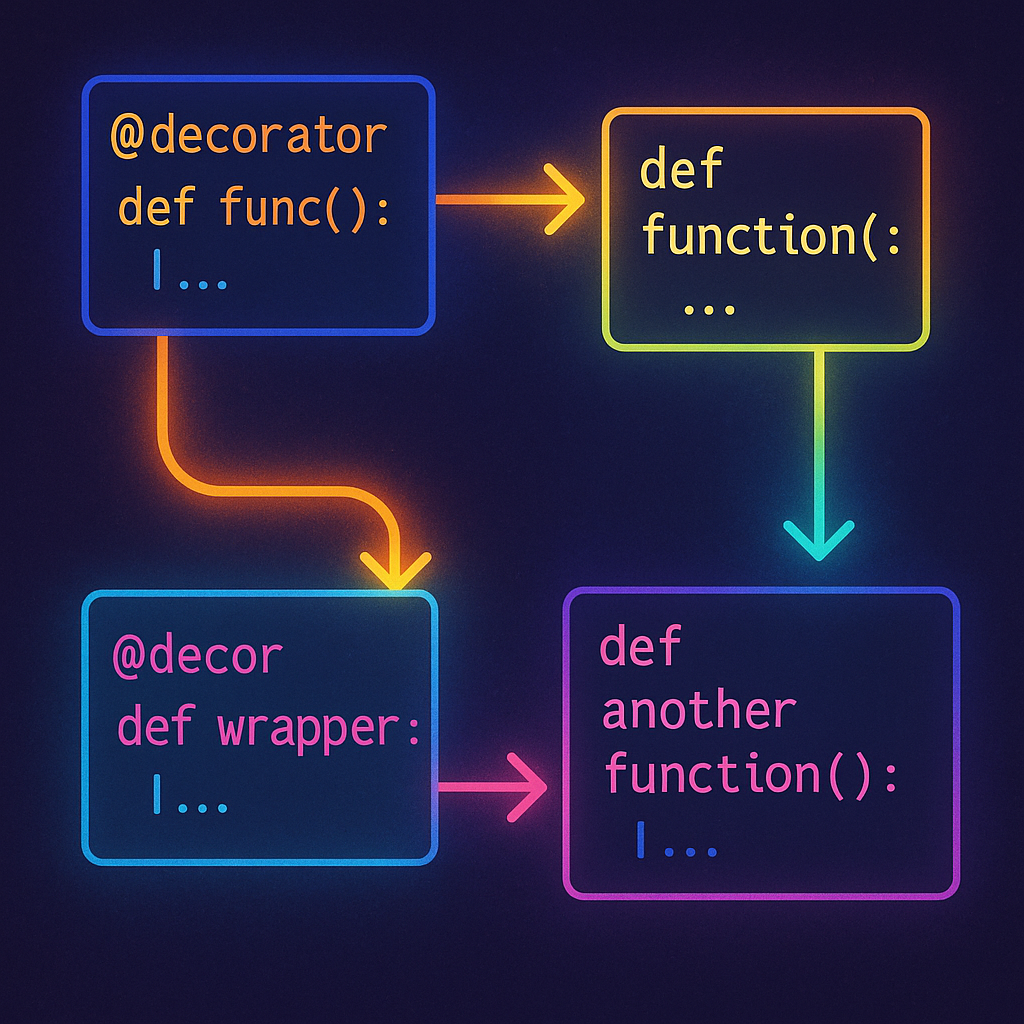
At their core, decorators are higher-order functions: they take one function (or class) as an argument and return another function, possibly enhancing or wrapping the original. This pattern is widely used for logging, performance monitoring, access control, and more.
Basic Decorator Example
def simple_decorator(func):
    def wrapper():
        print("Before calling function.")
        func()
        print("After calling function.")
    return wrapper

@simple_decorator
def say_hello():
    print("Hello!")

say_hello()
# Output:
# Before calling function.
# Hello!
# After calling function.
This illustrates how the @decorator syntax applies the decorator to a function, allowing you to inject behavior before and after func() is called.
2. Practical Patterns: Timing and Logging Decorators
Decorators shine in automating repetitive patterns, like timing function execution or adding logging.
Timing Decorator Example
import time

def timing_decorator(func):
    def wrapper(*args, **kwargs):
        start_time = time.time()
        result = func(*args, **kwargs)
        end_time = time.time()
        print(f"Execution time: {end_time - start_time:.4f} seconds")
        return result
    return wrapper

@timing_decorator
def slow_operation():
    time.sleep(1)
    print("Operation complete.")

slow_operation()
This pattern helps in profiling code and catching slow points. With minimal code repetition, we wrap any function to log its performance.
Logging Decorator Example
def logging_decorator(func):
    def wrapper(*args, **kwargs):
        print(f"Calling {func.__name__} with args={args} kwargs={kwargs}")
        return func(*args, **kwargs)
    return wrapper

@logging_decorator
def add(a, b):
    return a + b

add(2, 3)
# Output: Calling add with args=(2, 3) kwargs={}
3. Parameterized Decorators: Flexible Enhancements
To make decorators more flexible, we can add arguments to them, resulting in decorator factories. This pattern is useful for setting dynamic policies, like configurable retries or log levels.
def repeat(times):
    def decorator(func):
        def wrapper(*args, **kwargs):
            for _ in range(times):
                func(*args, **kwargs)
        return wrapper
    return decorator

@repeat(3)
def greet(name):
    print(f"Hello, {name}!")

greet("Alice")
# Output:
# Hello, Alice!
# Hello, Alice!
# Hello, Alice!
This demonstrates how decorators can be tuned at application time, not just definition time.
4. Preserving Function Metadata with functools.wraps
Decorator wrappers often obscure the original function’s identity, which can break tools that expect names and docstrings. Python’s functools.wraps provides a neat fix:
import functools

def my_decorator(func):
    @functools.wraps(func)
    def wrapper(*args, **kwargs):
        print("Doing something before...")
        return func(*args, **kwargs)
    return wrapper

@my_decorator
def example():
    """Sample docstring."""
    print("Inside example.")

print(example.__name__)  # example
print(example.__doc__)   # Sample docstring.
Always use functools.wraps in production-quality decorators to ensure compatibility with tools and introspection.
5. Advanced Decorators: Decorating Classes and Methods
Decorators aren’t just for functions—they can be applied to methods and even classes. Here’s a use case: automatic timing of all methods in a class.
def method_timer(method):
    @functools.wraps(method)
    def wrapper(self, *args, **kwargs):
        import time
        start = time.time()
        result = method(self, *args, **kwargs)
        end = time.time()
        print(f"{method.__name__} took {end - start:.4f}s")
        return result
    return wrapper

class Calculator:
    @method_timer
    def compute(self, x):
        total = 0
        for i in range(x):
            total += i
        return total

calc = Calculator()
calc.compute(100000)
Beyond methods, you can implement class decorators to modify class attributes or register classes in a framework.
Conclusion: Decorator Best Practices and Tips
Decorators unlock expressive, DRY, and modular Python code. Use them to automate repetitive patterns, add cross-cutting features like logging, or enforce policies. Remember to leverage functools.wraps, consider argument flexibility, and look for real-world spots—such as Flask route handlers or DRF permissions—where decorators cut down boilerplate. Experiment with decorator chaining and always document your decorators for maintainability. Happy coding!
Useful links: