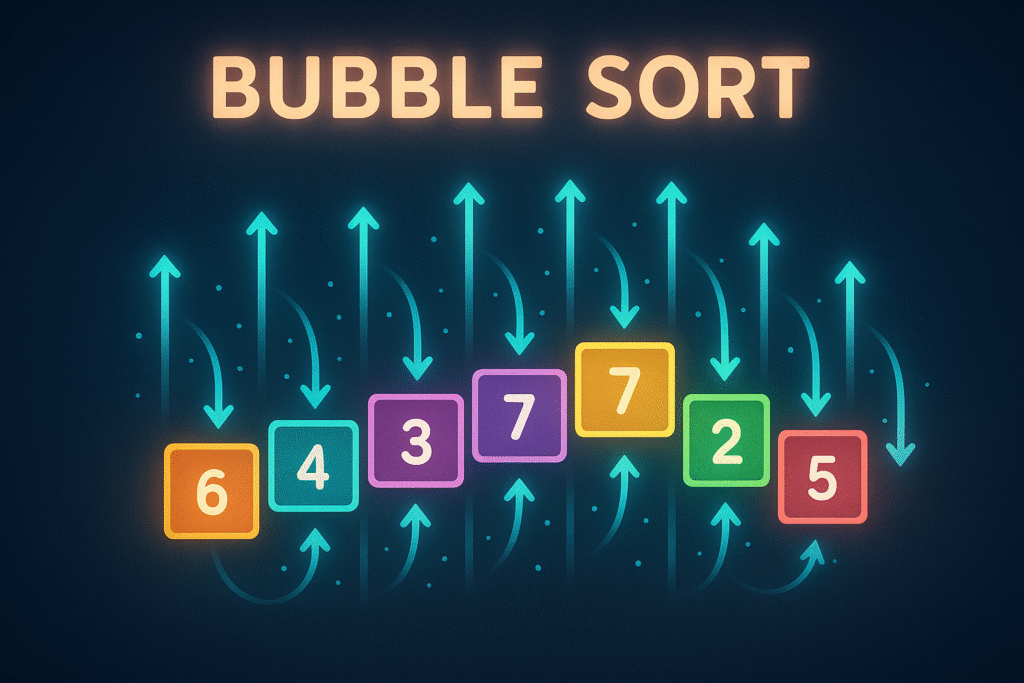

Mastering Bubble Sort: An In-Depth Guide with Python Code Examples
Introduction
Sorting algorithms are fundamental to computer science, with countless applications from organizing data to optimizing searches. While modern systems often use highly optimized sorting functions, understanding basic algorithms like Bubble Sort remains crucial for grasping more advanced techniques. In this article, we’ll dissect Bubble Sort, walk through step-by-step Python implementations, and discuss its efficiency, real-world use cases, and ways to improve performance.
Section 1: What is Bubble Sort?
Bubble Sort is a simple sorting algorithm that repeatedly steps through the list, compares adjacent elements, and swaps them if they are in the wrong order. The process continues until the list is fully sorted.
How It Works:
– Start at the beginning of the list.
– Compare the first two elements.
– Swap them if needed so the largest one “bubbles up”.
– Repeat for each pair, end-to-end, and loop through the list multiple times.
Let’s look at a basic Python example:
def bubble_sort(arr):
    n = len(arr)
    for i in range(n):
        for j in range(0, n-i-1):
            if arr[j] > arr[j+1]:
                arr[j], arr[j+1] = arr[j+1], arr[j]
    return arr

sample = [5, 2, 9, 1, 5, 6]
print(bubble_sort(sample)) # Output: [1, 2, 5, 5, 6, 9]
This code sorts the array in ascending order, walking through the list repeatedly to swap out-of-order pairs.
Section 2: Walking Through the Algorithm
Let’s break down what happens under the hood with a smaller list:
arr = [4, 3, 2, 1]First Pass:
– Compare 4 & 3 → swap: [3, 4, 2, 1]
– Compare 4 & 2 → swap: [3, 2, 4, 1]
– Compare 4 & 1 → swap: [3, 2, 1, 4]
Largest element “bubbled” to the right.
Second Pass:
– Compare 3 & 2 → swap: [2, 3, 1, 4]
– Compare 3 & 1 → swap: [2, 1, 3, 4]
Third Pass:
– Compare 2 & 1 → swap: [1, 2, 3, 4]
The array is now sorted.
Code with Step Visualization:
def bubble_sort_verbose(arr):
    n = len(arr)
    for i in range(n):
        print(f"Pass {i+1}")
        for j in range(0, n-i-1):
            if arr[j] > arr[j+1]:
                arr[j], arr[j+1] = arr[j+1], arr[j]
            print(arr)
    return arr

bubble_sort_verbose([4, 3, 2, 1])
This gives a clearer view of how elements “bubble” to their position.
Section 3: When (and When Not) to Use Bubble Sort
Bubble Sort is rarely used in production because of its O(n2) time complexity. However, it’s valuable for:
– Teaching fundamental programming concepts (loops, conditionals, swaps)
– Visualizing sorting steps in educational settings
– Datasets that are nearly sorted (with a small tweak)
– Very small datasets where overhead matters less than algorithmic complexity
Real-World Example:
Imagine a scenario where you receive a list that’s sorted except for a single misplaced data point. An optimized Bubble Sort (see next section) can detect sortedness early and exit quickly, making it efficient for “almost sorted” data.
Section 4: Optimizing Bubble Sort with Early Termination
The classic Bubble Sort always performs all possible passes, even if the array becomes sorted midway through. Adding a flag to check if any swap occurred allows for early termination, decreasing unnecessary loops.
def optimized_bubble_sort(arr):
    n = len(arr)
    for i in range(n):
        swapped = False
        for j in range(0, n-i-1):
            if arr[j] > arr[j+1]:
                arr[j], arr[j+1] = arr[j+1], arr[j]
                swapped = True
        if not swapped:
            break
    return arr

nearly_sorted = [1, 2, 3, 5, 4]
print(optimized_bubble_sort(nearly_sorted)) # Output: [1, 2, 3, 4, 5]
Why This Works:
If no swaps are made in a pass, the list is already sorted. This simple check can drastically improve performance on nearly sorted data.
Section 5: Bubble Sort Patterns & Tips for Advanced Use
– Descending Sort: Easily adapt the algorithm by flipping the comparison operator:
if arr[j] < arr[j+1]: # For descending order– Sorting Objects: Bubble Sort works for custom objects by comparing key attributes.
class Student:
    def __init__(self, name, grade):
        self.name = name
        self.grade = grade

students = [Student("Alice", 88), Student("Bob", 75), Student("Carol", 92)]
def bubble_sort_students(students):
    n = len(students)
    for i in range(n):
        for j in range(0, n-i-1):
            if students[j].grade > students[j+1].grade:
                students[j], students[j+1] = students[j+1], students[j]
    return students

result = bubble_sort_students(students)
print([s.name for s in result]) # Output: ['Bob', 'Alice', 'Carol']
– Automation and Testing: Because Bubble Sort is so simple, it’s great for automated test cases or for verifying that more complex sorting functions work as intended.
Performance Considerations:
Always remember that Bubble Sort is not suitable for large lists in production—its O(n2) runtime is slow compared to more advanced algorithms (like QuickSort or MergeSort). However, it’s stable (doesn’t change the relative order of equal items) and requires no extra space.
Conclusion
Bubble Sort isn’t the fastest or most glamorous algorithm, but it’s an important stepping stone to mastering sorting, code logic, and algorithm analysis. The pattern of comparing and swapping adjacent elements features in many other algorithms. Whether for teaching, testing, or understanding the “why” behind more advanced sorts, Bubble Sort is a perfect place to start. Try adapting the code examples here to suit your own data and sharpen your understanding of core programming principles!
Useful links: