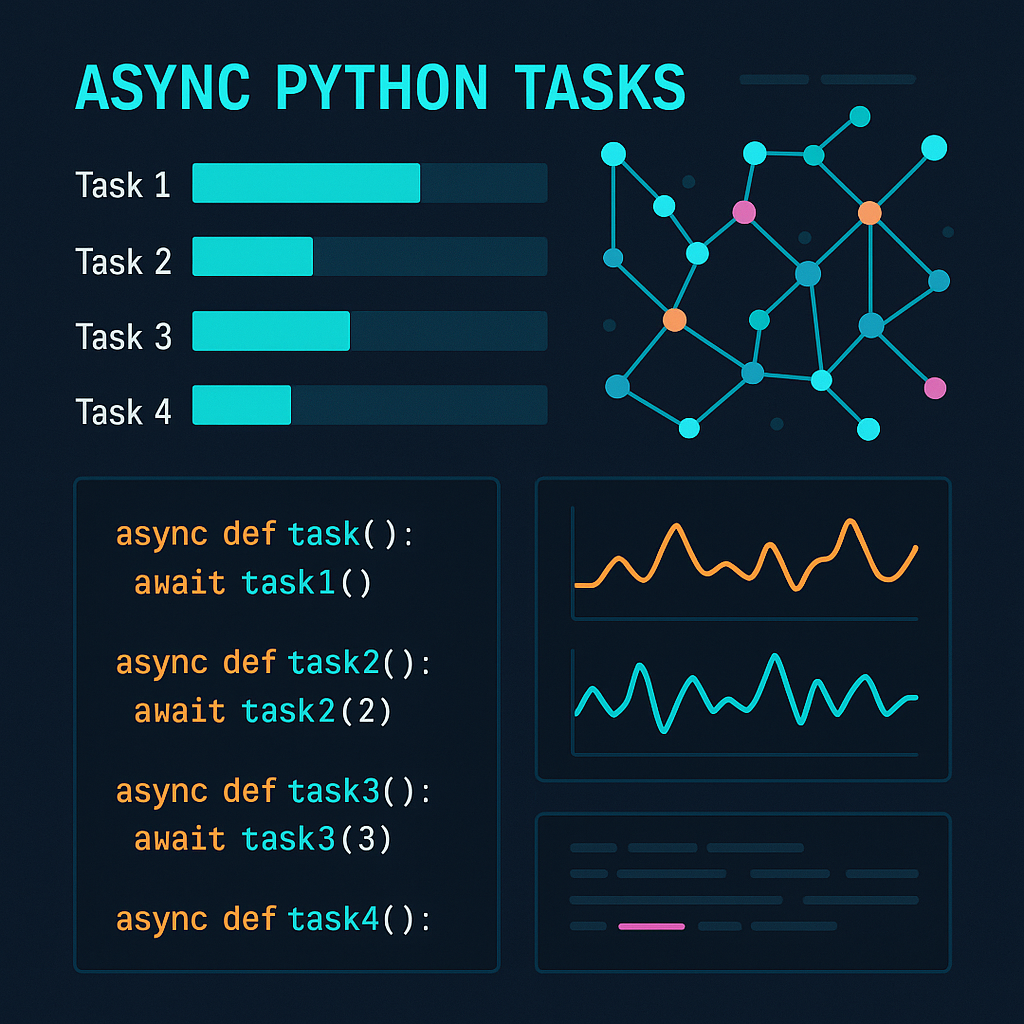

Mastering Asynchronous Programming in Python: From Basics to Best Practices
Introduction
Asynchronous programming is an essential skill for Python developers working on I/O-bound applications, web servers, or automation scripts. It enables your code to handle multiple operations simultaneously without blocking, dramatically improving performance, especially when dealing with network or disk-bound tasks. In this article, we’ll demystify asynchronous programming in Python: explaining the asyncio library, async/await syntax, and providing real-world code examples. By the end, you’ll have practical tools for building highly efficient, non-blocking Python applications.
Section 1: Why Asynchronous Programming Matters
Synchronous code executes one operation at a time, often waiting on slow I/O such as network requests or file reads. This creates bottlenecks—your app is idling instead of making progress. Asynchronous programming solves this by allowing your program to continue processing other tasks while waiting for I/O to complete, unlocking powerful performance for many real-life scenarios, such as:
- Web servers handling multiple client requests
- Automated bots crawling or scraping web pages
- Bulk file uploads/downloads
Here’s a quick synchronous vs. asynchronous illustration:
# Synchronous: slow!
import time

def fetch_data():
    time.sleep(2)
    return 'data'

start = time.time()
for _ in range(3):
    fetch_data()
end = time.time()
print(f'Total time: {end - start:.2f}s') # ~6 seconds
# Asynchronous: fast!
import asyncio

async def fetch_data():
    await asyncio.sleep(2)
    return 'data'

async def main():
    tasks = [fetch_data() for _ in range(3)]
    await asyncio.gather(*tasks)

start = time.time()
asyncio.run(main())
end = time.time()
print(f'Total time: {end - start:.2f}s') # ~2 seconds
Notice how asynchronous code completes in just one third of the time!
Section 2: The Basics — Coroutines, async, and await
In Python, asynchronous programming is built around coroutines. A coroutine is a special function that can pause and resume execution. You define a coroutine with the async def syntax and pause execution with await. This is foundational to non-blocking behavior.
import asyncio

async def say_hello():
    print('Hello...')
    await asyncio.sleep(1)
    print('...world!')

# Run the coroutine
asyncio.run(say_hello())
Here’s what happens: the coroutine prints ‘Hello…’, then pauses for one second without blocking the entire Python process, finally prints ‘…world!’ This simple example scales up: any time your code does I/O (network, disk, etc.), replace blocking calls with await equivalents.
Section 3: Running Multiple Tasks Concurrently
The true power of asynchronous code shines when you need to perform multiple tasks at once. asyncio.gather() is a utility that lets you run several coroutines concurrently and collect their results.
async def fetch_url(url):
    print(f'Start fetching {url}')
    await asyncio.sleep(1)
    print(f'Done with {url}')
    return f'Result for {url}'

async def main():
    urls = ['http://a.com', 'http://b.com', 'http://c.com']
    results = await asyncio.gather(*(fetch_url(u) for u in urls))
    print(results)

asyncio.run(main())
All three fetches start simultaneously and complete in around one second collectively—not sequentially in three seconds. Remember: Use async patterns for I/O-bound, not CPU-bound, tasks—intensive computation should be offloaded to threads or processes.
Section 4: Real-World Example — Async Web Scraping
To demonstrate pragmatic use, let’s create a simple asynchronous web scraper using aiohttp, an async HTTP client for Python. This allows you to fetch pages concurrently, massively speeding up jobs such as website monitoring, API polling, or data collection.
import asyncio
import aiohttp

async def fetch(session, url):
    async with session.get(url) as response:
        content = await response.text()
        print(f'Fetched {url} (size: {len(content)})')
        return content

async def main():
    urls = [
        'https://www.python.org',
        'https://www.djangoproject.com',
        'https://fastapi.tiangolo.com',
    ]
    async with aiohttp.ClientSession() as session:
        tasks = [fetch(session, url) for url in urls]
        results = await asyncio.gather(*tasks)
    print(f'Total pages fetched: {len(results)}')

asyncio.run(main())
Tip: Use async with blocks to cleanly manage resources, and always prefer async-compatible libraries for I/O tasks.
Section 5: Patterns, Pitfalls, and Optimization Tips
- Pattern: Always group multiple coroutines in
asyncio.gather()for parallel execution, notawaitin a loop. - Pitfall: Don’t call blocking I/O (like
open(filename).read()) in async code—use libraries such as aiofiles for disk operations. - Optimization: Tune concurrency—the default
asyncioevent loop can manage hundreds of tasks, but external API rate-limits may require semaphore throttling.
semaphore = asyncio.Semaphore(5)
async def limited_fetch(session, url):
    async with semaphore:
        # Safely keep requests to a maximum of 5 concurrent
        return await fetch(session, url)
Use asyncio.create_task() when you need fire-and-forget background jobs. Always handle exceptions—use return_exceptions=True in gather() for robust code.
Conclusion
Asynchronous programming empowers Python to efficiently handle many simultaneous operations, making your apps faster and more responsive. With some core patterns and careful use of async libraries for I/O, you can write clean, scalable code for modern Python applications. Start with these patterns and explore further on your own projects!
Useful links: