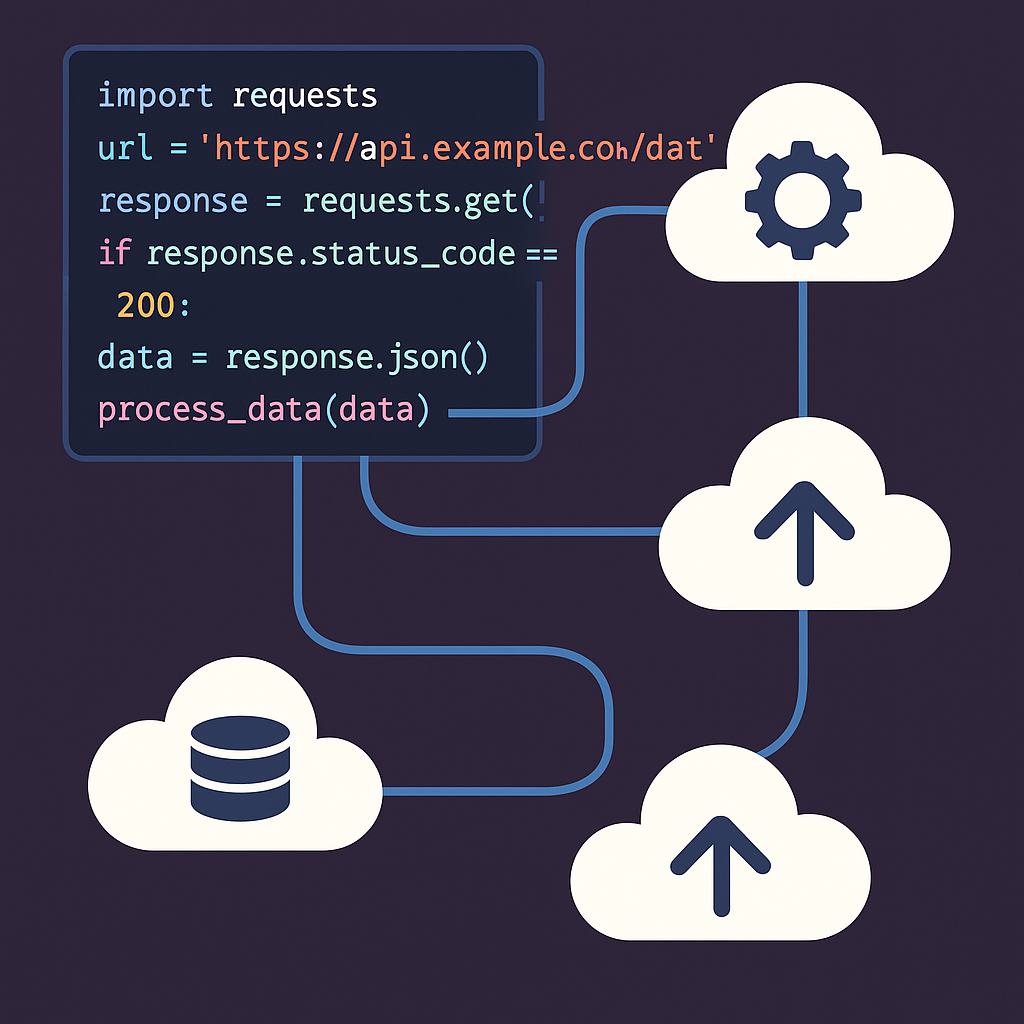

Mastering REST API Integration in Python: A Practical Guide
Introduction
In today’s interconnected digital landscape, integrating with third-party REST APIs is an essential skill for Python developers. Whether you’re retrieving data from a public service, automating internal workflows, or building your own API consumers, understanding how to interact efficiently and securely with REST APIs will supercharge your productivity. In this blog post, we’ll guide you through everything you need to know—step by step, with real code and pragmatic advice.
1. Understanding REST and API Basics
REST (Representational State Transfer) is an architectural style for web services popular for its simplicity and statelessness. A REST API exposes endpoints (URLs) representing resources, manipulated using standard HTTP methods (GET, POST, PUT, DELETE).
When integrating with a REST API in Python, you typically:
- Send an HTTP request to an endpoint
- Handle the response (usually JSON)
- Parse and use the returned data
Let’s try a simple GET request to fetch a list of public repositories from GitHub using the popular requests library:
import requests

response = requests.get('https://api.github.com/users/octocat/repos')
if response.status_code == 200:
    repos = response.json()
    for repo in repos:
        print(repo['name'])
else:
    print('Failed to retrieve repositories')
This script fetches a user’s repositories and prints their names. The requests library makes it simple to work with HTTP in Python.
2. Authentication: Dealing with API Keys and Tokens
Most APIs require authentication to ensure security and usage tracking. Common methods include:
- API keys passed as headers or query params
- Bearer tokens (OAuth 2.0 or personal access tokens)
Here’s how to send a token for authentication:
import requests

token = 'YOUR_PERSONAL_ACCESS_TOKEN'
headers = {
    'Authorization': f'token {token}'
}
response = requests.get('https://api.github.com/user', headers=headers)
print(response.json())
Always store sensitive credentials securely—use environment variables or a secrets manager, never hardcode them!
3. Error Handling and Rate Limits
Robust applications anticipate failure. REST APIs can return diverse errors: invalid endpoints, authentication failures, or hitting rate limits. Handle them gracefully:
import requests

url = 'https://api.github.com/user/repos'
headers = {'Authorization': f'token {token}'}
response = requests.get(url, headers=headers)

if response.ok:
    data = response.json()
    print(f"Retrieved {len(data)} repositories.")
else:
    print(f"Error {response.status_code}: {response.text}")
    if response.status_code == 403 and 'rate limit' in response.text.lower():
        print('You have hit the API rate limit.')
Many APIs send headers indicating remaining calls, such as GitHub’s X-RateLimit-Remaining and X-RateLimit-Reset.
remaining = response.headers.get('X-RateLimit-Remaining')
reset_time = response.headers.get('X-RateLimit-Reset')
print(f'Remaining: {remaining}, Resets at: {reset_time}')
4. Making POST Requests: Sending Data
To create or modify resources, you’ll often POST data, usually as JSON. For example, creating a new GitHub issue:
import requests
import os

url = 'https://api.github.com/repos/octocat/Hello-World/issues'
headers = {
    'Authorization': f'token {os.environ["GITHUB_TOKEN"]}',
    'Accept': 'application/vnd.github.v3+json'
}
data = {
    'title': 'Found a bug',
    'body': 'There is a problem with...',
    'assignees': ['octocat']
}
response = requests.post(url, headers=headers, json=data)
print(response.json())
Always use the json= parameter in requests.post to properly send content-type headers and serialize your data.
5. Automation Patterns and Optimization Tips
API integration is a prime target for automation—think daily reports, dashboards, or syncing between services. Optimize your code for:
- Reusability: Wrap API calls in functions/classes.
- Retries and Backoff: Use
requests.adapters.HTTPAdapterfor automatic retries. - Async Requests: For high-throughput use, consider
httpxoraiohttpfor asyncio-based async HTTP calls.
import requests
from requests.adapters import HTTPAdapter
from requests.packages.urllib3.util.retry import Retry

session = requests.Session()
retry = Retry(
    total=5,
    backoff_factor=1,
    status_forcelist=[429, 500, 502, 503, 504]
)
adapter = HTTPAdapter(max_retries=retry)
session.mount('http://', adapter)
session.mount('https://', adapter)

response = session.get('https://api.github.com/users/octocat')
print(response.json())
For concurrent calls, here’s an asyncio version with httpx:
import asyncio
import httpx

async def fetch_user(username):
    async with httpx.AsyncClient() as client:
        r = await client.get(f'https://api.github.com/users/{username}')
        print(r.json())

asyncio.run(fetch_user('octocat'))
Conclusion
REST API integration in Python unlocks a world of automation at your fingertips. By mastering request handling, authentication, error management, data posting, and performance patterns like retries and asynchrony, you can create robust, maintainable, and high-performing integrations. Keep credentials secure and always consult API docs for best practices, rate limits, and edge cases.
Happy coding!
Useful links: