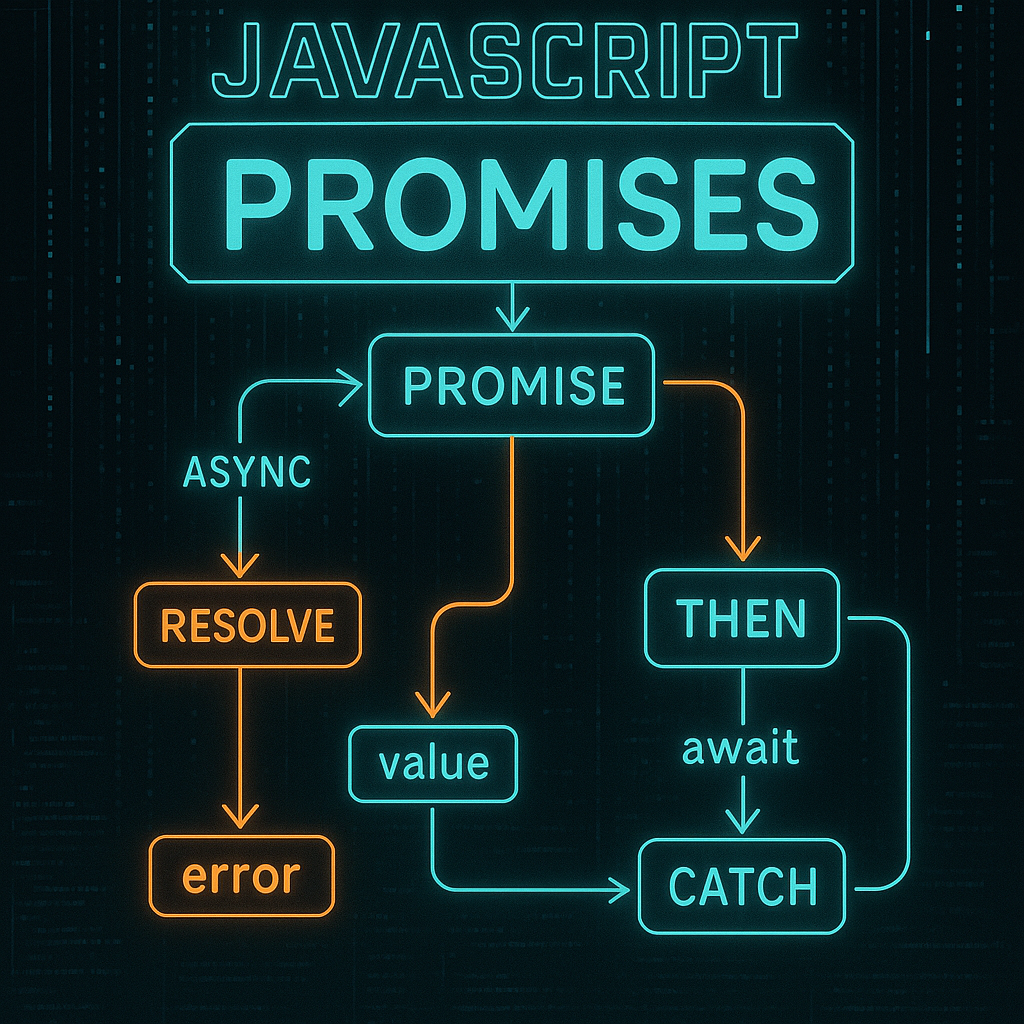

Mastering Asynchronous JavaScript with Promises and Async/Await
JavaScript’s nature as a single-threaded language presents unique challenges when dealing with asynchronous operations. As web applications become more complex, understanding how to efficiently manage these operations is crucial. In this blog post, we’ll explore asynchronous JavaScript using Promises and async/await by building a mini weather app that fetches data from an API and displays it seamlessly.
1. Understanding Asynchronous JavaScript
JavaScript is synchronous and single-threaded, meaning it executes code in a non-blocking manner using events and callbacks. Asynchronous operations allow code execution to continue without waiting for the operation to complete. Here’s a simple example using setTimeout to illustrate:
console.log('Start');
setTimeout(() => {
  console.log('Middle: SetTimeout');
}, 2000);
console.log('End');
This code will output ‘Start’, ‘End’ and, after 2 seconds, ‘Middle: SetTimeout’. While setTimeout is simplistic, APIs and long-running operations require more powerful solutions like Promises.
2. Introduction to Promises
Promises represent a value that may be available now, later, or never. They have three states: pending, fulfilled, and rejected. You can create a Promise with new Promise(executor), where executor is a function that resolves or rejects the promise:
const myPromise = new Promise((resolve, reject) => {
  setTimeout(() => resolve('Success!'), 1000);
});

myPromise.then(value => console.log(value))
         .catch(error => console.error(error));
This code sets up a Promise that settles after 1 second, printing ‘Success!’. Promises have methods like then, catch, and finally to handle asynchronous flows, making them excellent for chaining operations.
3. Fetching Data with Fetch API and Promises
Let’s build our mini weather app using the Fetch API, which returns a Promise. We’ll fetch weather data from an API:
fetch('https://api.weatherapi.com/v1/current.json?key=YOUR_API_KEY&q=London')
  .then(response => {
    if (!response.ok) {
      throw new Error('Network response was not ok');
    }
    return response.json();
  })
  .then(data => console.log(data))
  .catch(error => console.error('Fetch error:', error));
Promises cleanly manage network requests. The above code checks the response status and displays the weather data for London, illustrating the power of Promises in handling asynchronous code.
4. Simplifying with Async/Await
Async/await is syntactic sugar over Promises, making asynchronous code look synchronous. Functions marked with async return a Promise, and await pauses execution until the Promise resolves. Let’s refactor our weather data fetch:
async function fetchWeather() {
  try {
    const response = await fetch('https://api.weatherapi.com/v1/current.json?key=YOUR_API_KEY&q=London');
    if (!response.ok) {
      throw new Error('Network response was not ok');
    }
    const data = await response.json();
    console.log(data);
  } catch (error) {
    console.error('Fetch error:', error);
  }
}

fetchWeather();
This refactoring increases readability and handles asynchronous operations elegantly. You can use try/catch for error handling, making your code safer and easier to maintain.
5. Putting It All Together: Building a Mini Weather App
Let’s build a simple UI to display the fetched weather data. Here’s a basic HTML and JavaScript setup:
Weather App
Weather App
This app fetches and displays the current weather in London. The asynchronous function fetchWeather deals with API calls, error handling, and updating the UI seamlessly.
Conclusion
Understanding Promises and async/await is crucial for modern JavaScript development. These tools allow developers to manage asynchronous operations efficiently, enhancing both performance and readability. By building a mini weather app, we’ve covered Promises, Fetch API usage, and async/await, along with practical examples and error handling techniques. Keep experimenting with more APIs to further solidify your grasp of these fundamental concepts.
Useful links: