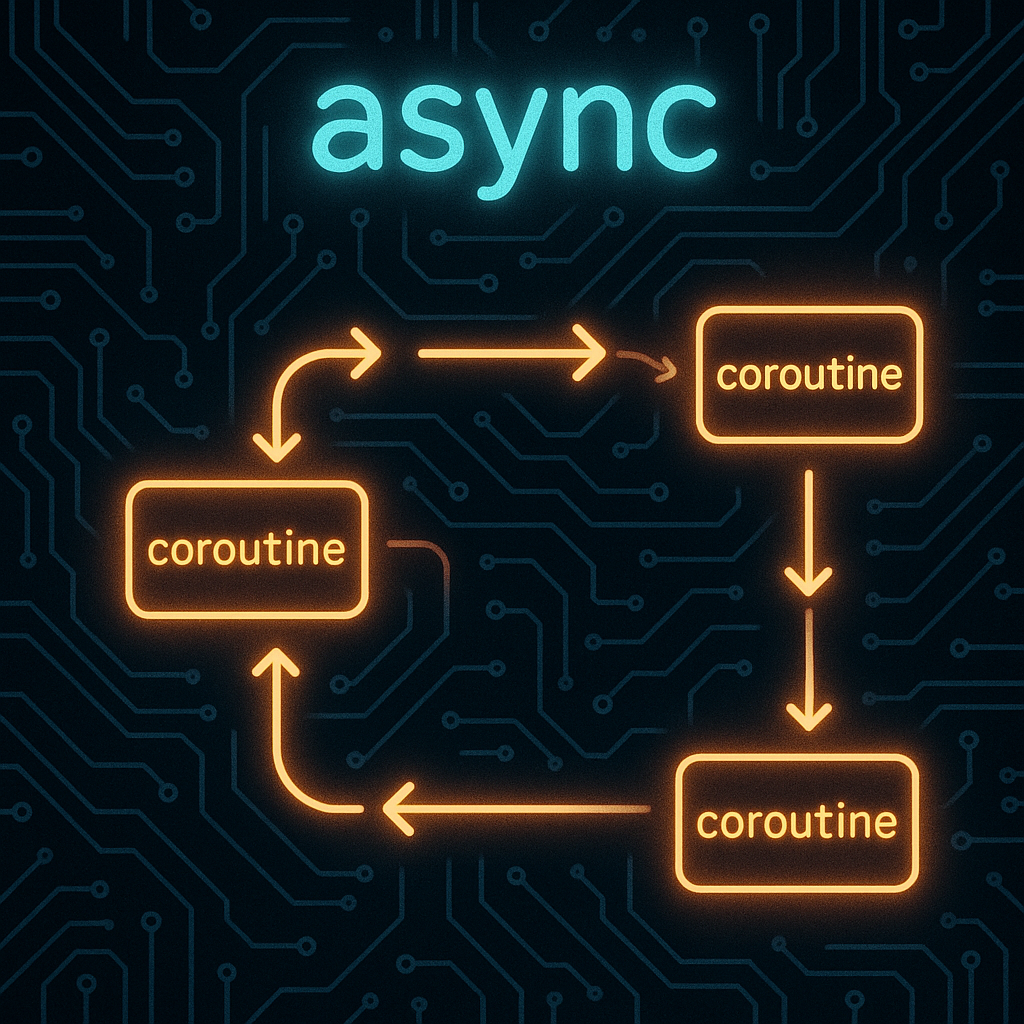

Mastering Asynchronous Programming in Python: A Practical Guide
Introduction
Modern applications, from web servers to GUI tools, must efficiently handle multiple operations at once. Asynchronous programming in Python empowers developers to write high-performance, responsive code that scales gracefully under I/O-bound workloads. This guide offers a step-by-step exploration of Python’s async features, practical use cases, and optimization strategies.
1. Understanding the Basics of Asynchronous Programming
Asynchronous programming allows tasks to run independently—crucial when dealing with I/O like web requests or file operations. Python offers the asyncio library to facilitate async workflows using the async and await keywords. Here’s the starting point:
import asyncio

async def fetch_data():
    print("Start fetching...")
    await asyncio.sleep(2)
    print("Fetch complete!")

asyncio.run(fetch_data())
In this example, fetch_data is an asynchronous coroutine. asyncio.sleep(2) simulates a two-second network request, but it doesn’t block the entire program. The asyncio.run() function manages the event loop for us.
2. Running Multiple Tasks Concurrently
Combining multiple I/O-bound functions can dramatically boost performance. asyncio.gather() executes several coroutines concurrently:
import asyncio

async def scrape_site(site):
    print(f"Scraping {site}...")
    await asyncio.sleep(1)
    return f"Data from {site}"

async def main():
    sites = ["site1.com", "site2.com", "site3.com"]
    results = await asyncio.gather(*(scrape_site(site) for site in sites))
    print(results)

asyncio.run(main())
Here, each scrape_site() call simulates independent I/O work. All scraping tasks begin at once, and the event loop collects results when they complete.
3. Integrating Async with Real-World APIs
Real applications often combine asynchronous workflows with APIs. Python’s popular HTTP library, aiohttp, is designed for just this:
import asyncio
import aiohttp

async def fetch(url):
    async with aiohttp.ClientSession() as session:
        async with session.get(url) as response:
            return await response.text()

async def main():
    urls = ["https://example.com", "https://python.org"]
    contents = await asyncio.gather(*(fetch(url) for url in urls))
    print([len(content) for content in contents])

asyncio.run(main())
This approach allows you to perform hundreds of network requests rapidly, with minimal thread overhead. Using asynchronous libraries wherever possible ensures true non-blocking performance.
4. Error Handling and Robustness
Async programs need strong error handling to remain reliable. Use try–except within coroutines and manage failures within asyncio.gather():
import asyncio
import aiohttp

async def fetch(url):
    try:
        async with aiohttp.ClientSession() as session:
            async with session.get(url, timeout=3) as resp:
                return await resp.text()
    except Exception as e:
        return f"Error: {str(e)}"

async def main():
    urls = ["https://example.com", "https://nonexistent.xyz"]
    results = await asyncio.gather(*(fetch(url) for url in urls), return_exceptions=True)
    print(results)

asyncio.run(main())
With return_exceptions=True, asyncio.gather() collects both results and errors, keeping your event loop resilient during partial failures.
5. Performance Tips and Common Pitfalls
For best performance in async Python:
- Favor asynchronous libraries (like
aiohttp,aiomysql) for true non-blocking I/O. - Avoid
time.sleep()—it blocks the event loop; always useawait asyncio.sleep()instead. - Use
asyncio.Semaphoreorasyncio.BoundedSemaphoreto control resource-hungry concurrency, such as HTTP requests.
import asyncio
import aiohttp

async def fetch(url, sem):
    async with sem:
        async with aiohttp.ClientSession() as session:
            async with session.get(url) as resp:
                return await resp.text()

async def main():
    urls = [f"https://example.com/page{i}" for i in range(100)]
    sem = asyncio.Semaphore(10)  # Limit concurrency to 10 requests
    tasks = [fetch(url, sem) for url in urls]
    await asyncio.gather(*tasks)

asyncio.run(main())
This pattern safeguards your system (or a remote API) from being overwhelmed by too many concurrent requests.
Conclusion
Mastering asynchronous programming in Python unlocks scalable, efficient, and elegant code for modern challenges. By embracing asyncio, asynchronous libraries, and sound error handling, you can confidently build robust applications that make the most of contemporary hardware and network resources.
Useful links: