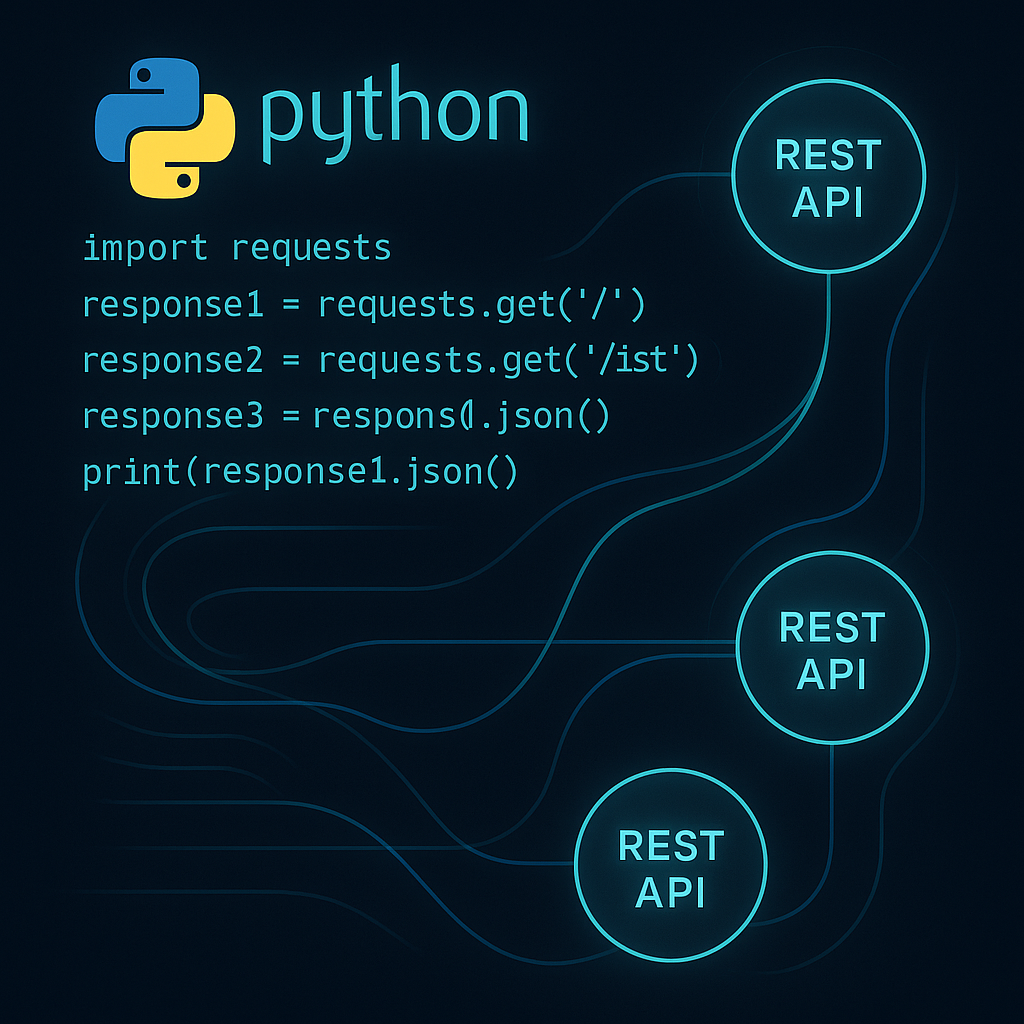

Mastering REST API Integration in Python: From Basics to Best Practices
REST APIs are essential for modern applications, enabling communication between different services with standardized HTTP requests. Whether you’re scraping data, connecting to cloud services, or automating workflows, knowing how to consume and integrate REST APIs in Python is a vital skill. This comprehensive guide will take you from basic GET requests to advanced patterns, error handling, and performance tuning using real-world scenarios.
1. Introduction to REST APIs and Python Tools
REST (Representational State Transfer) APIs provide a stateless communication protocol, typically using JSON over HTTP. Python’s simplicity and excellent libraries make it an ideal choice for consuming REST APIs. The most popular libraries are requests and httpx.
Example: Installing requests
pip install requestsSimple GET request:
import requests
response = requests.get('https://jsonplaceholder.typicode.com/posts/1')
data = response.json()
print(data)
This code fetches a post from a public test API and prints the parsed JSON. The requests library abstracts away manual handling of HTTP connections and JSON parsing.
2. Making CRUD Requests: GET, POST, PUT, DELETE
APIs expose endpoints for Create, Read, Update, and Delete (CRUD) operations. Here’s how to perform each with Python:
Read (GET):
response = requests.get('https://api.example.com/items/42')
print(response.json())
Create (POST):
payload = {'name': 'New Item', 'price': 29.99}
response = requests.post('https://api.example.com/items', json=payload)
print(response.status_code, response.json())
Update (PUT):
update = {'price': 24.99}
response = requests.put('https://api.example.com/items/42', json=update)
print(response.json())
Delete (DELETE):
response = requests.delete('https://api.example.com/items/42')
print(response.status_code)
Each HTTP method matches an API operation. json=payload automatically sets the Content-Type: application/json header.
3. Handling Authentication and Secure APIs
Most APIs require authentication, commonly via API keys, bearer tokens, or OAuth. Here’s how to work with headers:
headers = {
    'Authorization': 'Bearer YOUR_TOKEN',
    'Accept': 'application/json'
}
response = requests.get('https://api.example.com/data', headers=headers)
Never hard-code sensitive values. Use environment variables or configuration files:
import os
API_TOKEN = os.environ['API_TOKEN']
For complex flows like OAuth2, libraries such as requests-oauthlib automate token retrieval and refresh.
4. Error Handling, Retries, and Timeouts
Real-world APIs can fail or be slow. Always check response status codes and handle errors:
try:
    response = requests.get('https://api.example.com/resources', timeout=5)
    response.raise_for_status()
except requests.exceptions.HTTPError as err:
    print(f"HTTP error: {err}")
except requests.exceptions.RequestException as err:
    print(f"Error: {err}")
Add retries using urllib3.util.retry or third-party wrappers. Set sensible timeouts to avoid hanging code. For repeated failures, consider exponential backoff approaches.
5. Advanced Patterns: Pagination, Rate Limiting, and Async APIs
APIs often return large datasets in pages and impose limits on request rates.
Handling Pagination:
def fetch_all_items(url):
    items = []
    while url:
        resp = requests.get(url)
        data = resp.json()
        items.extend(data['results'])
        url = data.get('next')  # Or use custom headers/params
    return items
Respecting Rate Limits:
import time
for i in range(100):
    response = requests.get('https://api.example.com/endpoint')
    if response.status_code == 429:  # Too many requests
        retry_after = int(response.headers.get('Retry-After', 1))
        time.sleep(retry_after)
    else:
        process(response.json())
Async Requests (for high throughput):
import httpx
import asyncio

async def fetch_async(url):
    async with httpx.AsyncClient() as client:
        resp = await client.get(url)
        return resp.json()

# Usage
# asyncio.run(fetch_async('https://api.example.com/data'))
6. Tips, Patterns, and Optimization Strategies
- Leverage sessions: Use a
requests.Session()for persistent connections—reducing TCP overhead. - Decouple API logic: Encapsulate endpoints in classes/functions for modular, testable code.
- Cache responses when data doesn’t change often, using libraries like
requests-cacheor Redis. - Monitor and log: Capture request durations and errors for robust automation.
- Validate and sanitize: Never trust external data blindly. Always validate incoming API data structures.
API integration is foundational to Python automation in domains from data analytics to DevOps. By adopting best practices and efficient patterns, you can build reliable solutions ready for production scale.
Useful links: